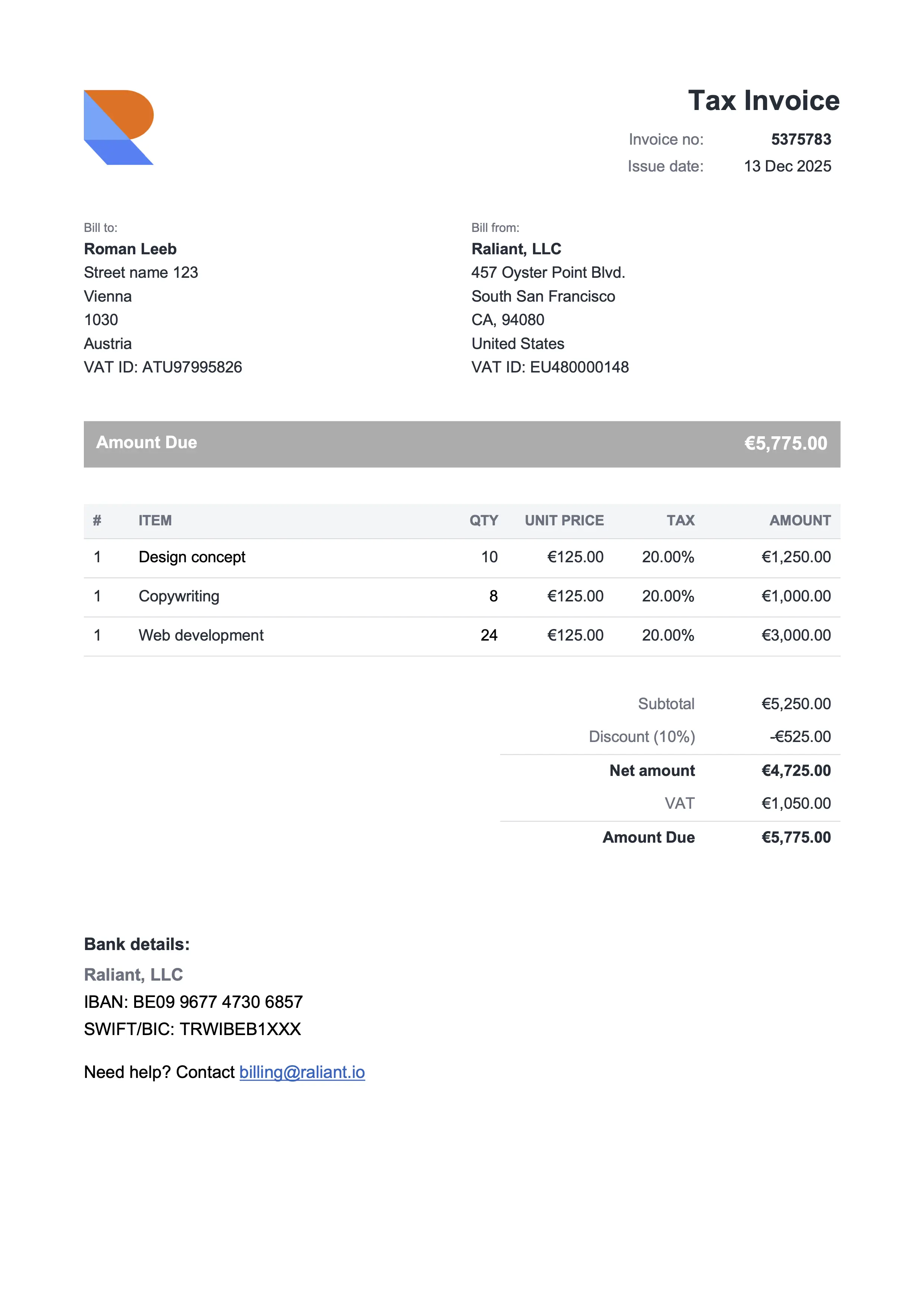
Compact Gray
Best for consultants & professional services
Browse 12 free invoice templates for Google Docs, Sheets, Word, and Excel. Built with freelancers, solopreneurs, and small businesses who'd rather get paid than do accounting stuff. Pick a design, add your details, export as PDF, and send the invoice to your client. No signup, no watermark, no upsell – 100% free.
Best for consultants & professional services
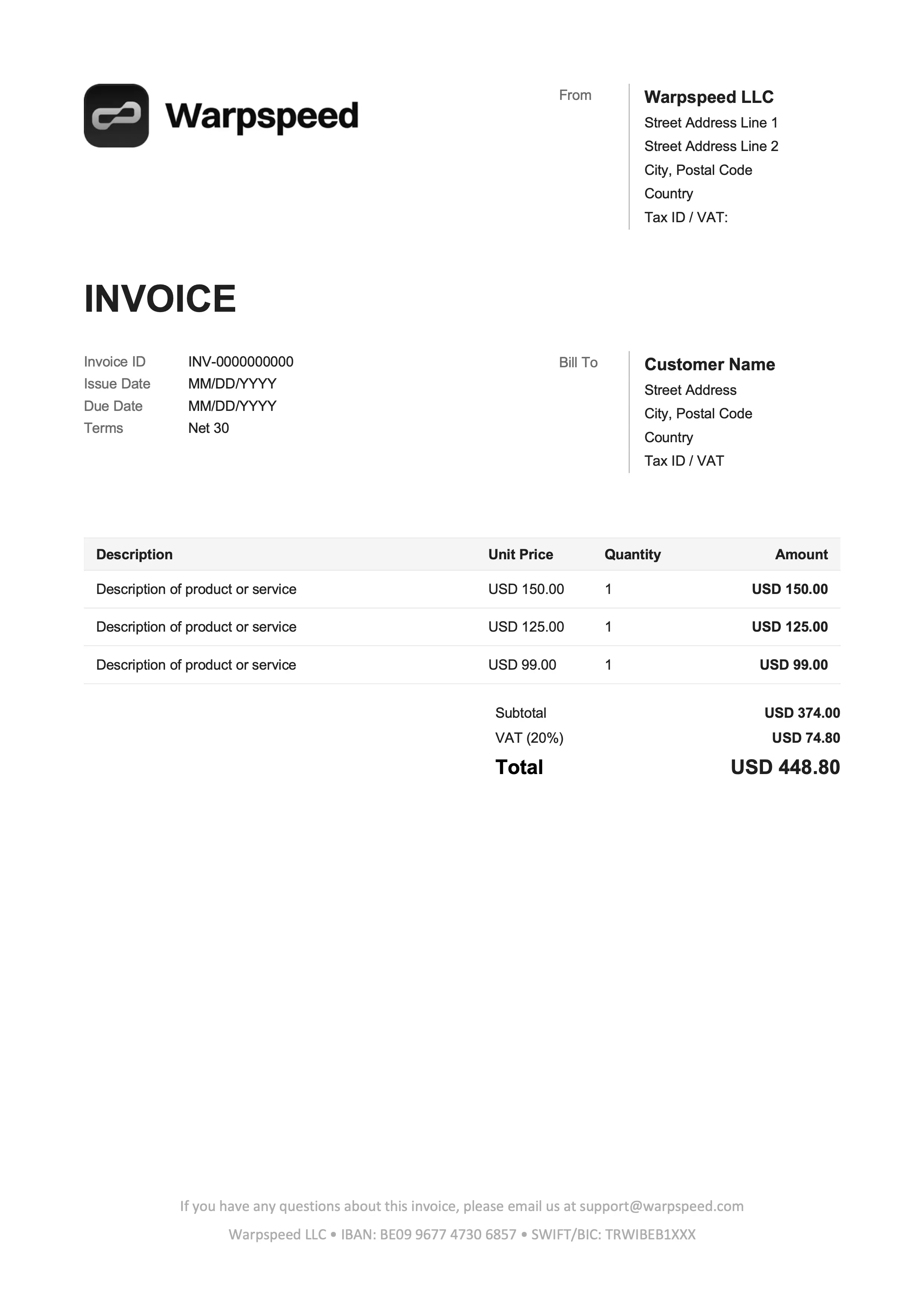
Best for freelancers & online services
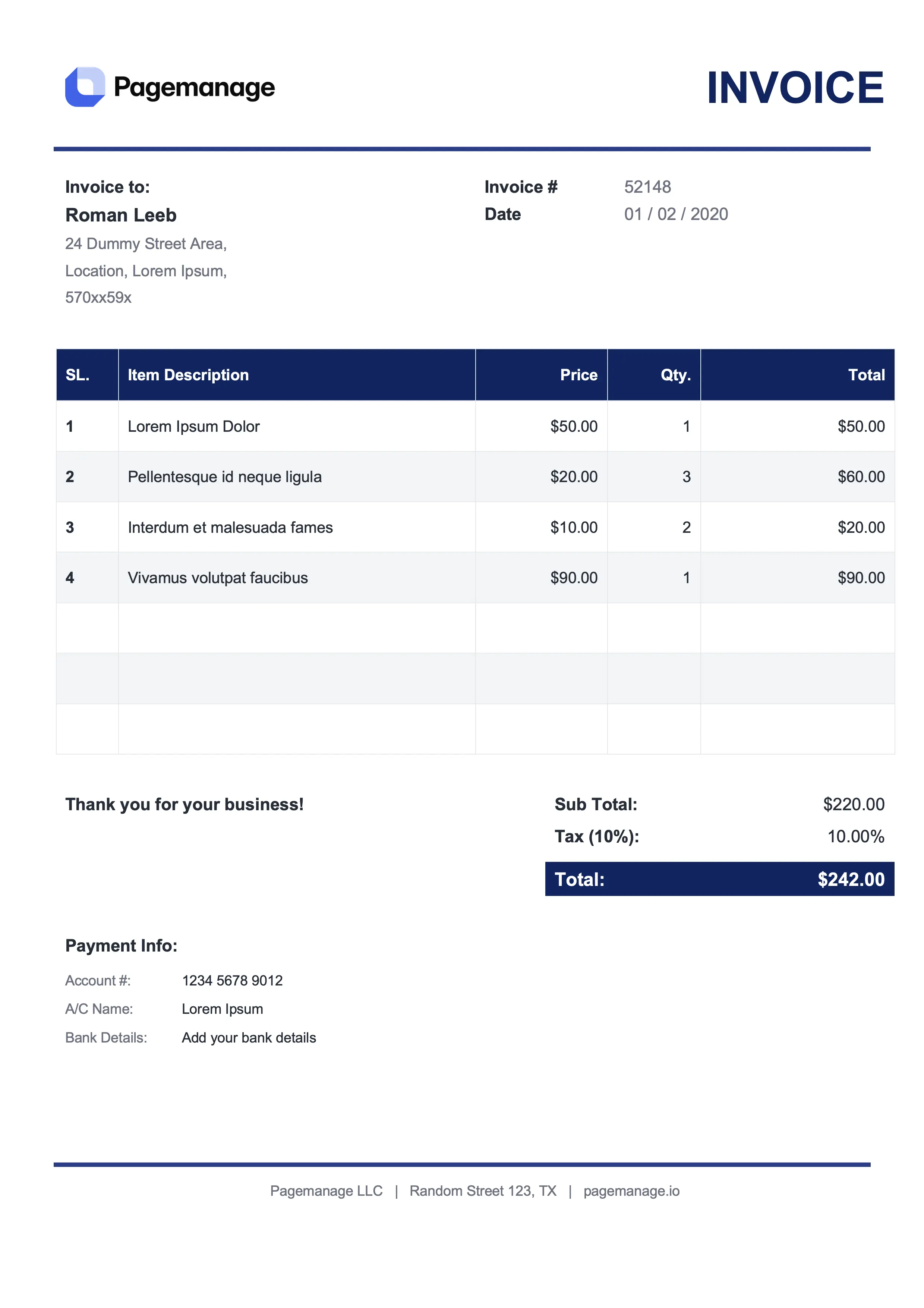
Best for lawyers & advisors
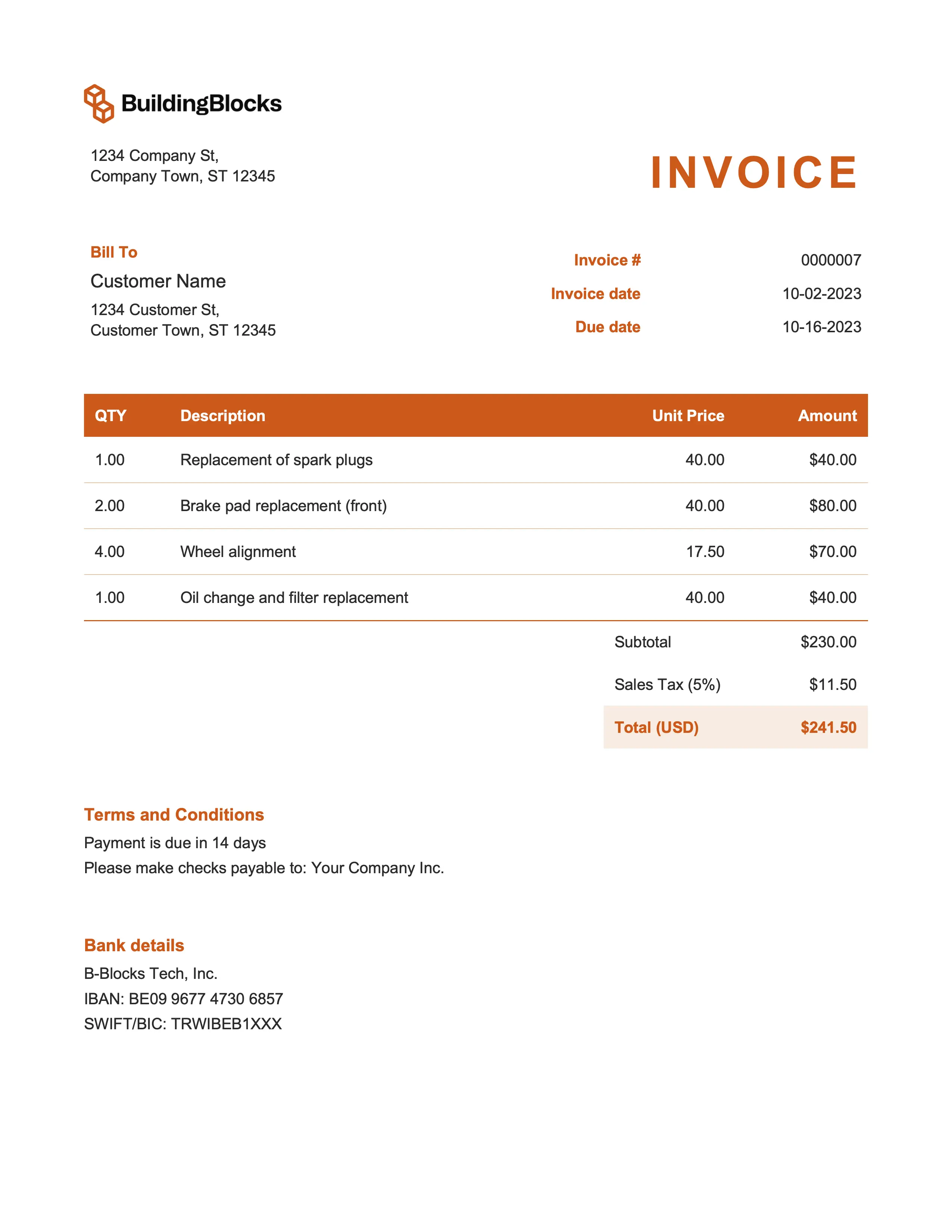
Best for marketing & event management
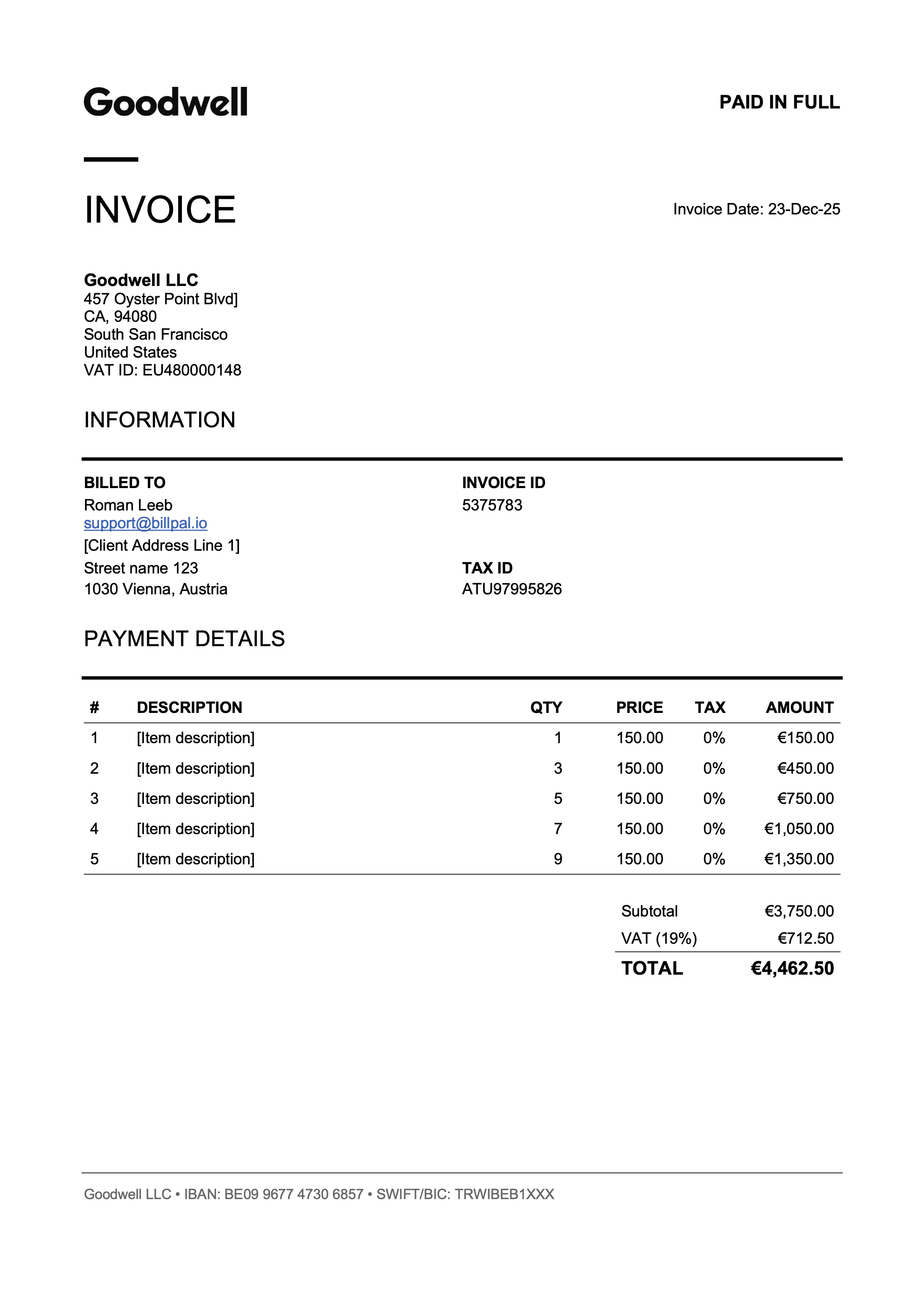
Best for designers & art directors
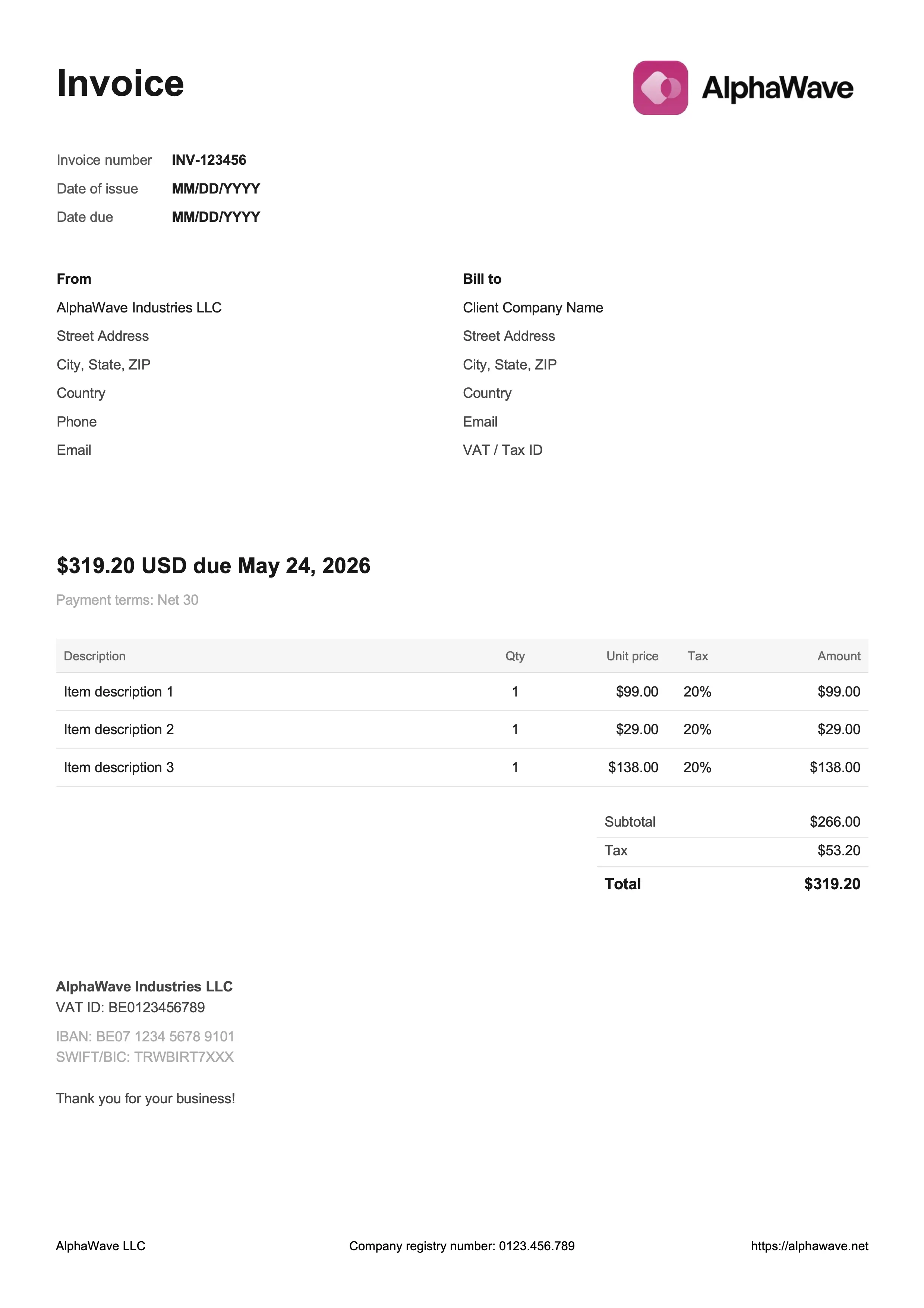
Best for digital products & creative work
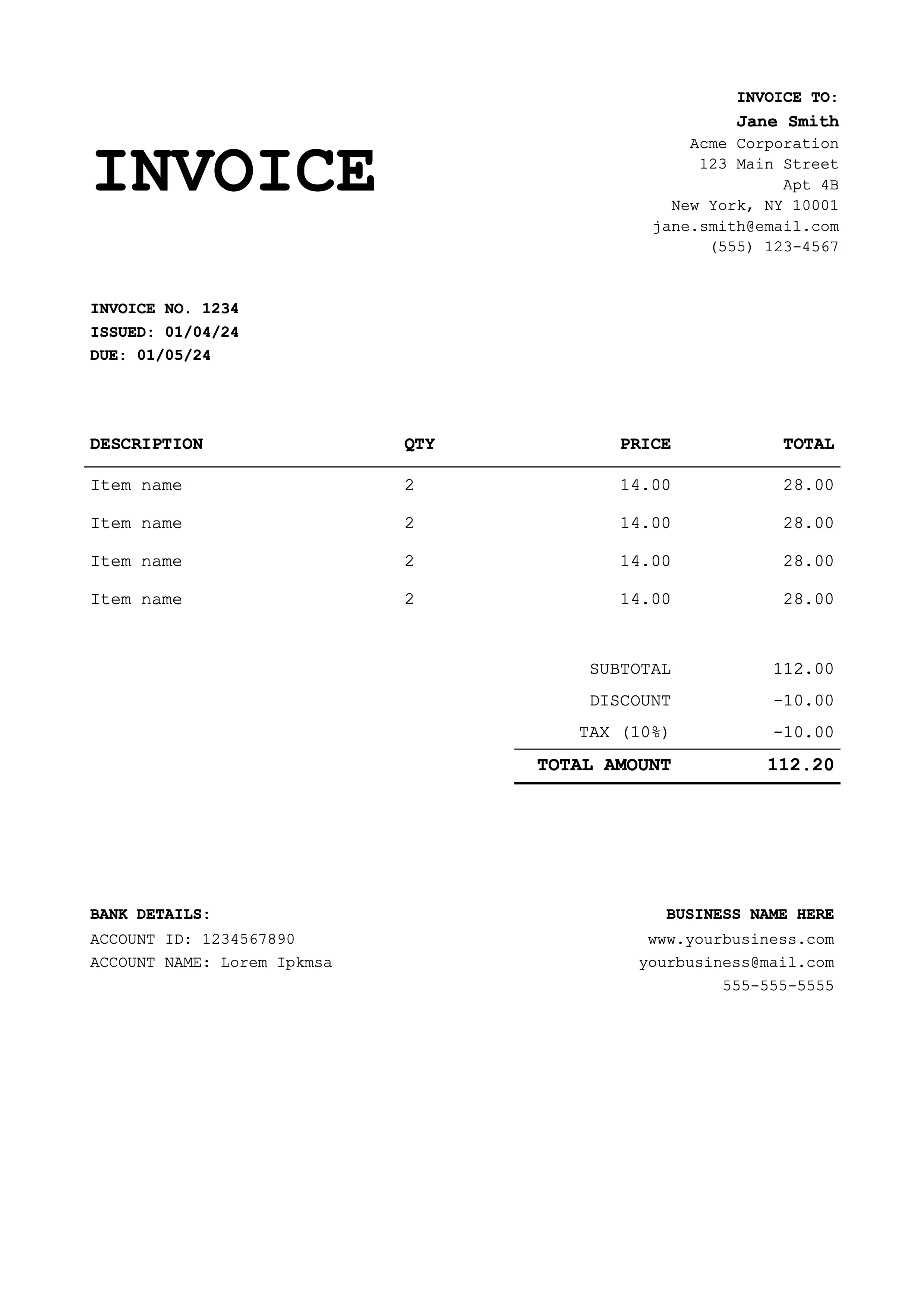
Best for coaches & educators
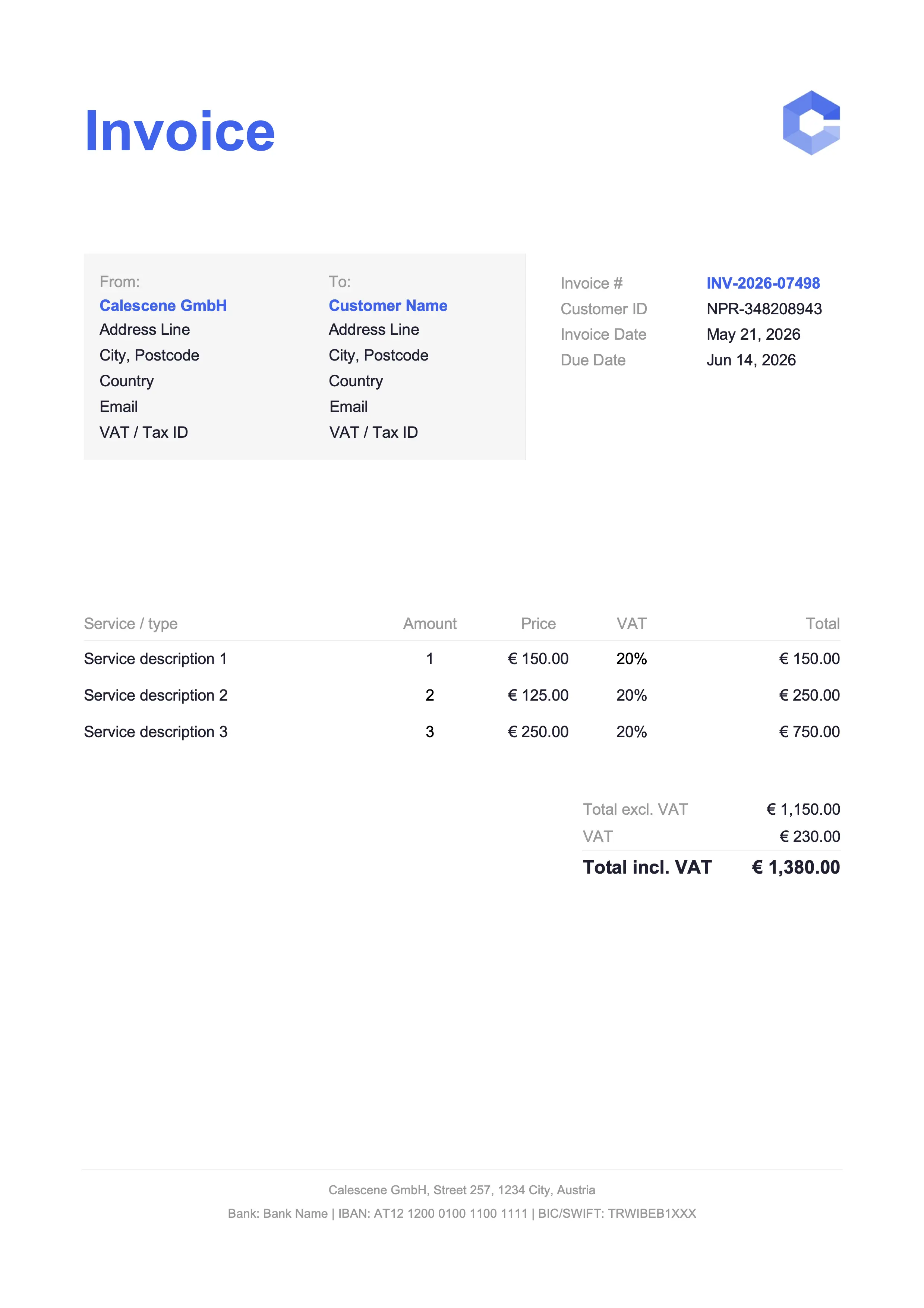
Best for tradespeople & service jobs
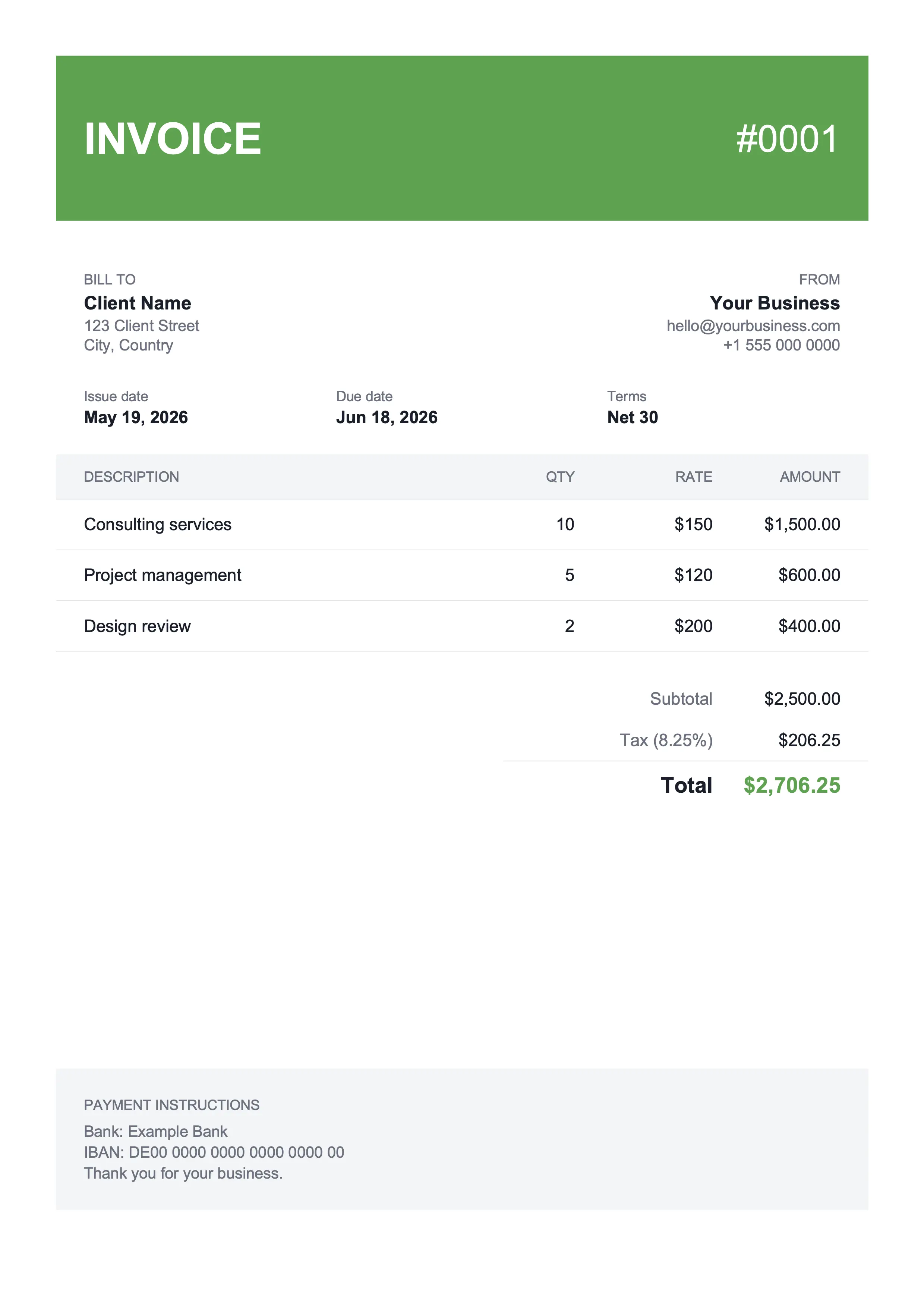
Best for shop owners & landscaping
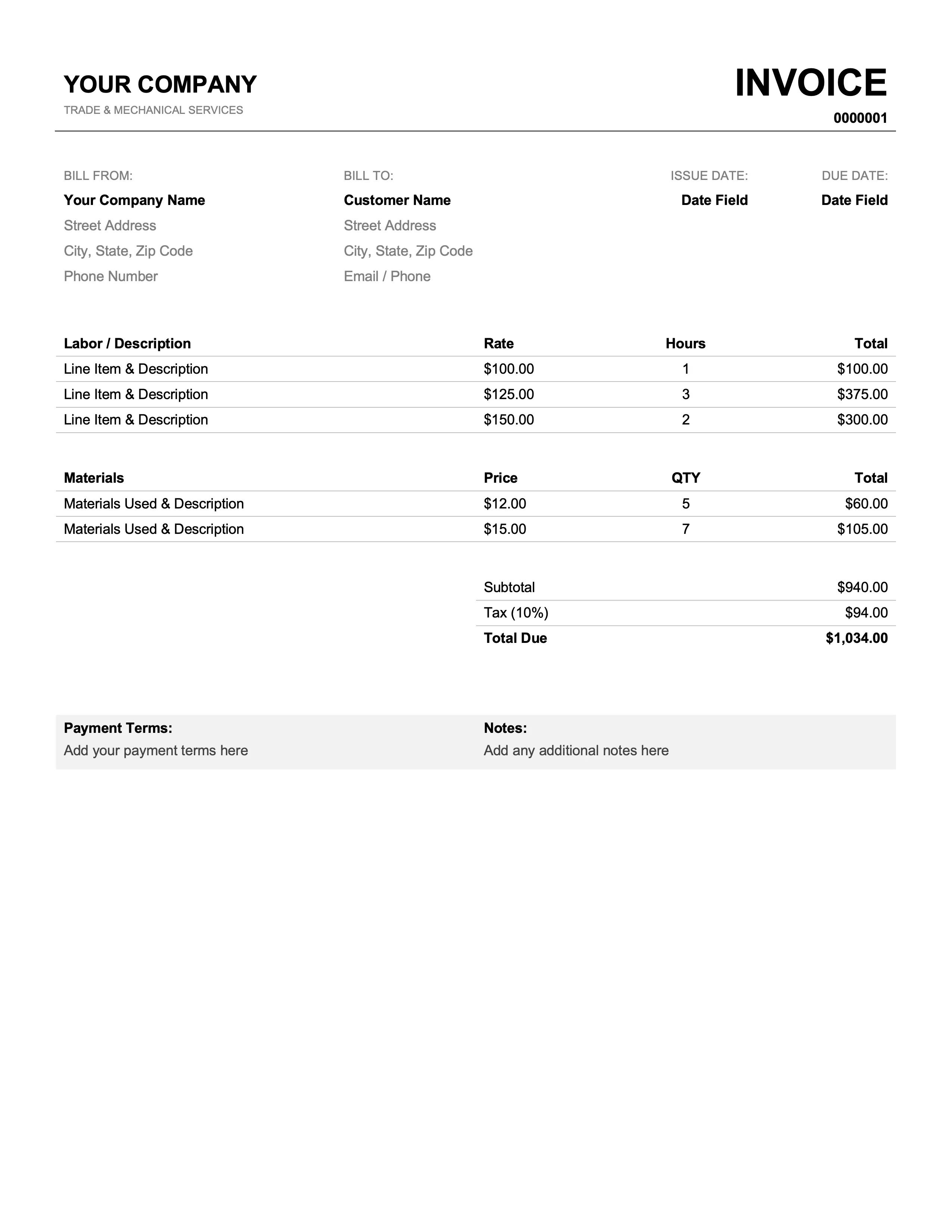
Best for mechanics & plumbers
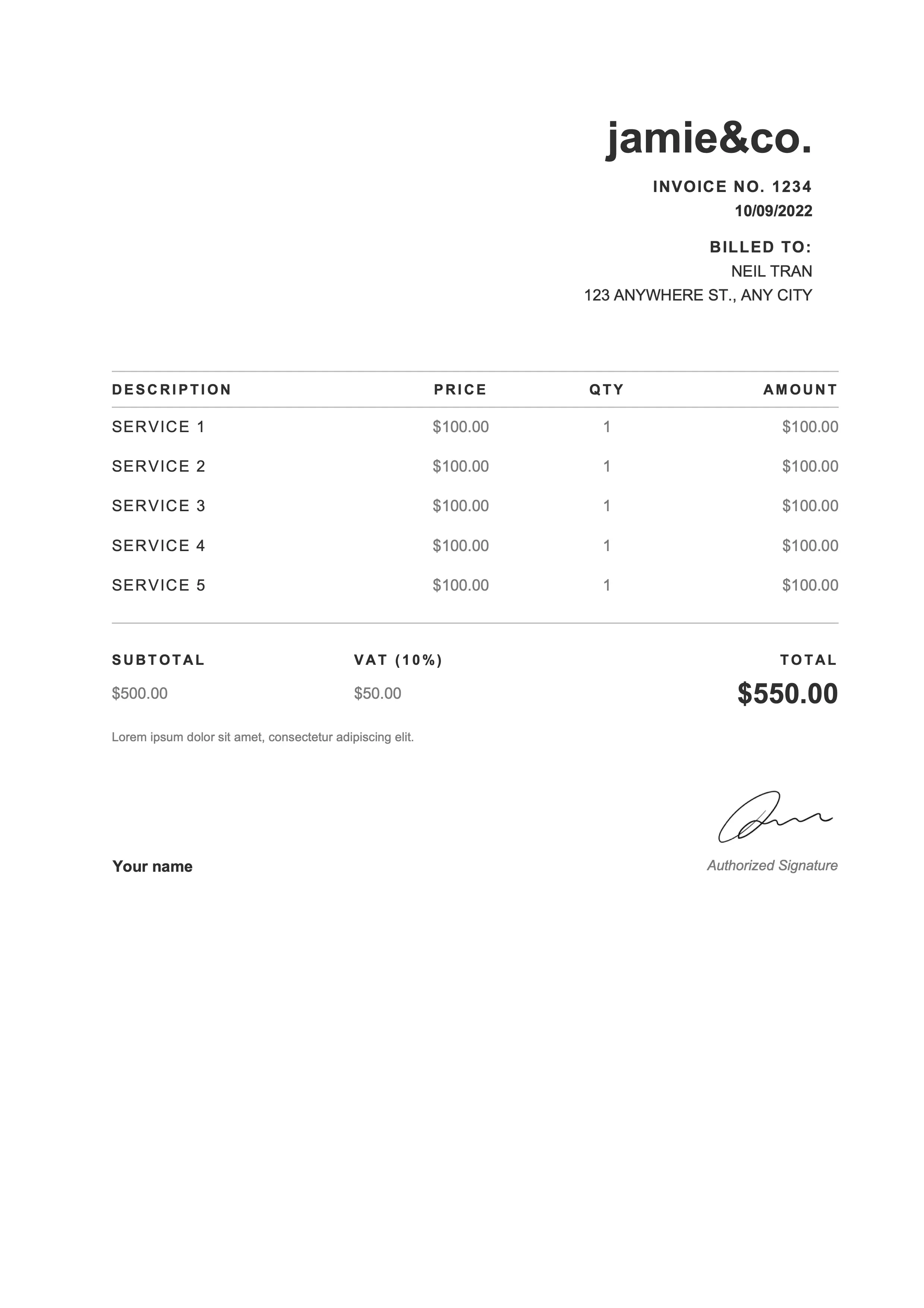
Best for photographers & web designers
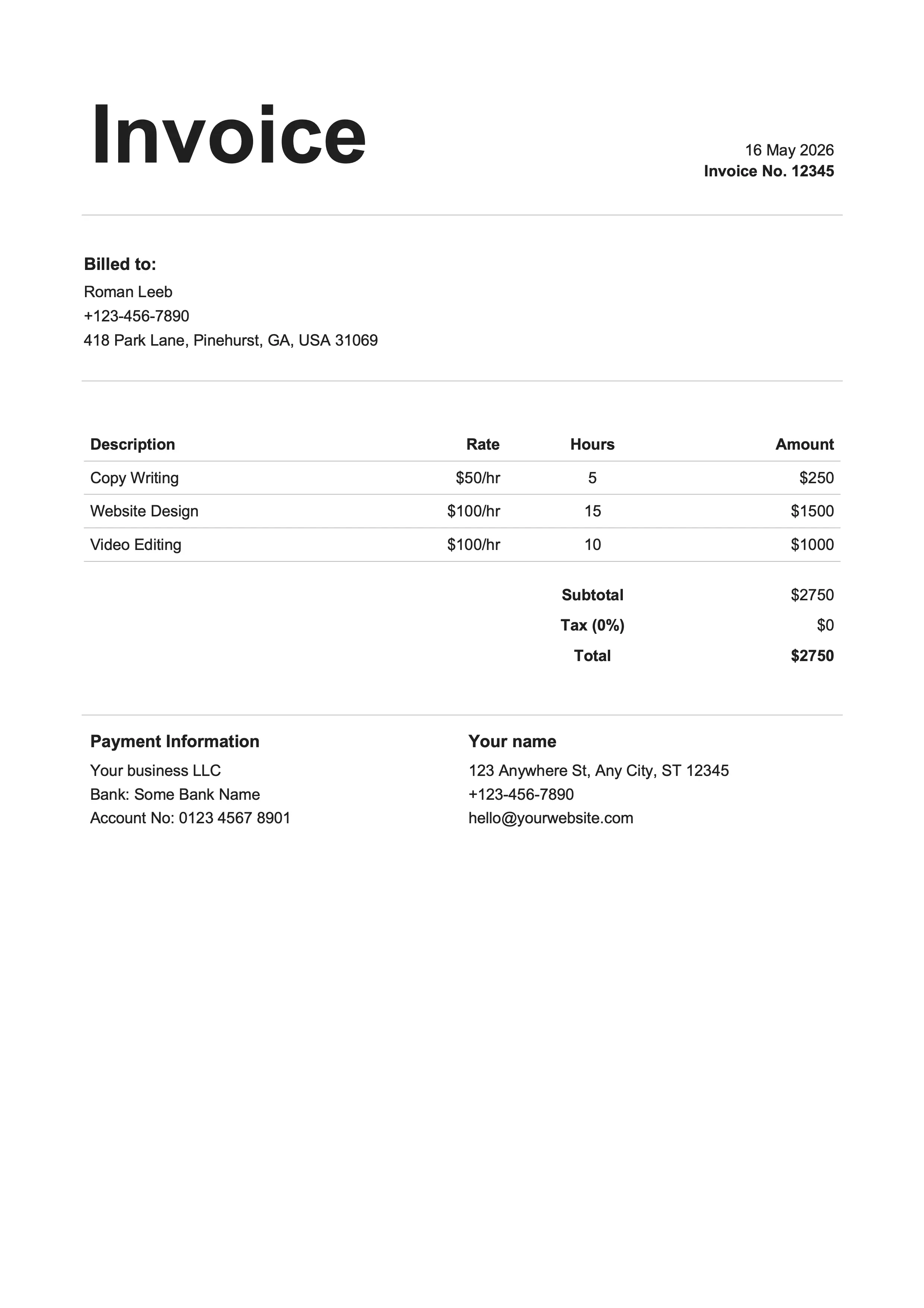
Best for writers & influencers
Pick the format that matches how you already work.
Templates are the shortest path to a paid invoice. No app to install, no account to create, no new tool to learn. Open the spreadsheet or docs app you already have on your machine, fill in your details, save as PDF. The spreadsheet versions do the math for you. The document versions give you tighter typographic control. Every design ships in all four formats. Save your customized copy as a base file and clone it for each new invoice. And if you get tired of bookkeeping, that's where Billpal comes in.
Try Billpal freeName, address, email, and phone number. So your client knows who's billing them and where to follow up if something looks off.
Name, billing address, and contact info for the person or company being invoiced. Get this right and the right people approve the payment.
A unique, sequential invoice number plus the date you sent it. Non-negotiable for your accountant, indispensable for tracking what's been paid and what hasn't.
Standard terms are Net 15 or Net 30 from the issue date. Add a late-fee policy if you have one. Put the due date in bold so it's the first thing they see.
One row per service or product, with description, quantity, unit price, and line total. Specific descriptions get paid faster than vague ones.
Show your math. Subtotal first, then any discount, then tax, then the grand total. Mismatched arithmetic is the fastest way to slow a payment down.
Bank transfer details, a Stripe or PayPal link, or whatever method you accept. Give your client at least one zero-effort way to pay you.
PO number for B2B clients, project name for recurring work, internal notes for your records, and a brief thank-you. Small touches that make an invoice feel finished.
Browse the gallery, find a design that suits your brand, and pick the format that matches how you already work. Google Docs and Word are document-style and give you finer control over the layout. Google Sheets and Excel calculate subtotals, tax, and totals automatically as you type.
Replace the placeholder business name, address, and logo with your own. Add your client's details, a unique invoice number, the issue and due dates, and the items or services you're billing for. Specific descriptions help whoever approves the invoice know what they're paying for: 'Landing page redesign, 14 hours' lands better than 'design work'.
Apply your tax rate, set Net 15 or Net 30 terms, and write down how you want to be paid: bank transfer, ACH, a Stripe link, PayPal, whatever you accept. The fewer steps your client has to take, the faster the money lands.
Export to PDF (File → Download → PDF in Google Docs and Sheets, File → Save As → PDF in Word and Excel) and email it to your client. PDF is the safer default. Clients can't accidentally edit a totals cell on the way to your bank account.
Same designs across all four formats – the difference is the editing experience and whether totals calculate themselves.
| Feature | Docs | Sheets | Word | Excel |
|---|---|---|---|---|
| Automatic totals | No | Yes | No | Yes |
| Works offline | With offline mode | With offline mode | Yes | Yes |
| Real-time collab | Yes | Yes | Limited | Limited |
| Free to use | Yes | Yes | Office required | Office required |
| Export to PDF | Yes | Yes | Yes | Yes |
| Best for | Word docs without Word | Spreadsheets without the install | Office regulars | Heavy formula users |
Yes. Every template is free to download and use for any freelance work or small-business invoicing. No signup, no watermark, no trial period that bills you in 14 days. Pick a design, customize the placeholders, send the PDF. Works in Google Docs, Sheets, Word, and Excel.
If you want subtotals and tax to calculate themselves, pick Google Sheets or Excel. If you want a cleaner document-style look with more typographic control, pick Google Docs or Word. Google formats run in any browser with no install required. Word and Excel need Microsoft Office, or a free alternative like LibreOffice or Apple Numbers.
No. The Word and Excel templates download as direct .docx and .xlsx files, no account needed. The Google Docs and Google Sheets versions ask for a Google sign-in once, only because that's how Drive's Make a copy flow works. We never email you and we never ask for a card.
Yes. The templates themselves are free for commercial or personal use, by freelancers, contractors, consultants, and small businesses. The legal-compliance bit is on you: make sure the business name, tax ID, VAT number, and payment terms on the finished invoice match what's true for your business and your jurisdiction.
Save your customized template as a base file and copy it each month – update the dates, the invoice number, and any line items that changed. Templates work fine for the send. What they can't do is tell you who actually paid. That's bookkeeping, and bookkeeping is a different problem. Billpal handles it: connect your email and bank, and every incoming invoice and receipt lands with the right bank transaction automatically. Templates do the send. Billpal keeps the books.
Yes. The Google Docs and Google Sheets versions work in any browser, on any device. The Word and Excel templates open in Microsoft Office for Mac and Windows, Apple Numbers, LibreOffice (free, every platform), and Google Drive if you upload the file directly. Layout and fonts hold across all of them.
Yes. Every template has a header slot sized for a standard logo. Use Insert → Image (Google Docs and Sheets) or Insert → Pictures (Word and Excel) to drop yours in. Brand colors are editable through the standard formatting menus, so you can recolor table headers, accent lines, and the grand-total row without rebuilding the layout.
Export the finished invoice to PDF (File → Download → PDF in Google tools, File → Save As → PDF in Word and Excel) and attach the PDF to an email. PDF is the safer default. Your client gets a clean, printable invoice and can't accidentally edit a totals cell on the way to their accounts payable team.
Billpal collects invoices and receipts from where they already arrive and turns them into structured, categorized data for your accountant.