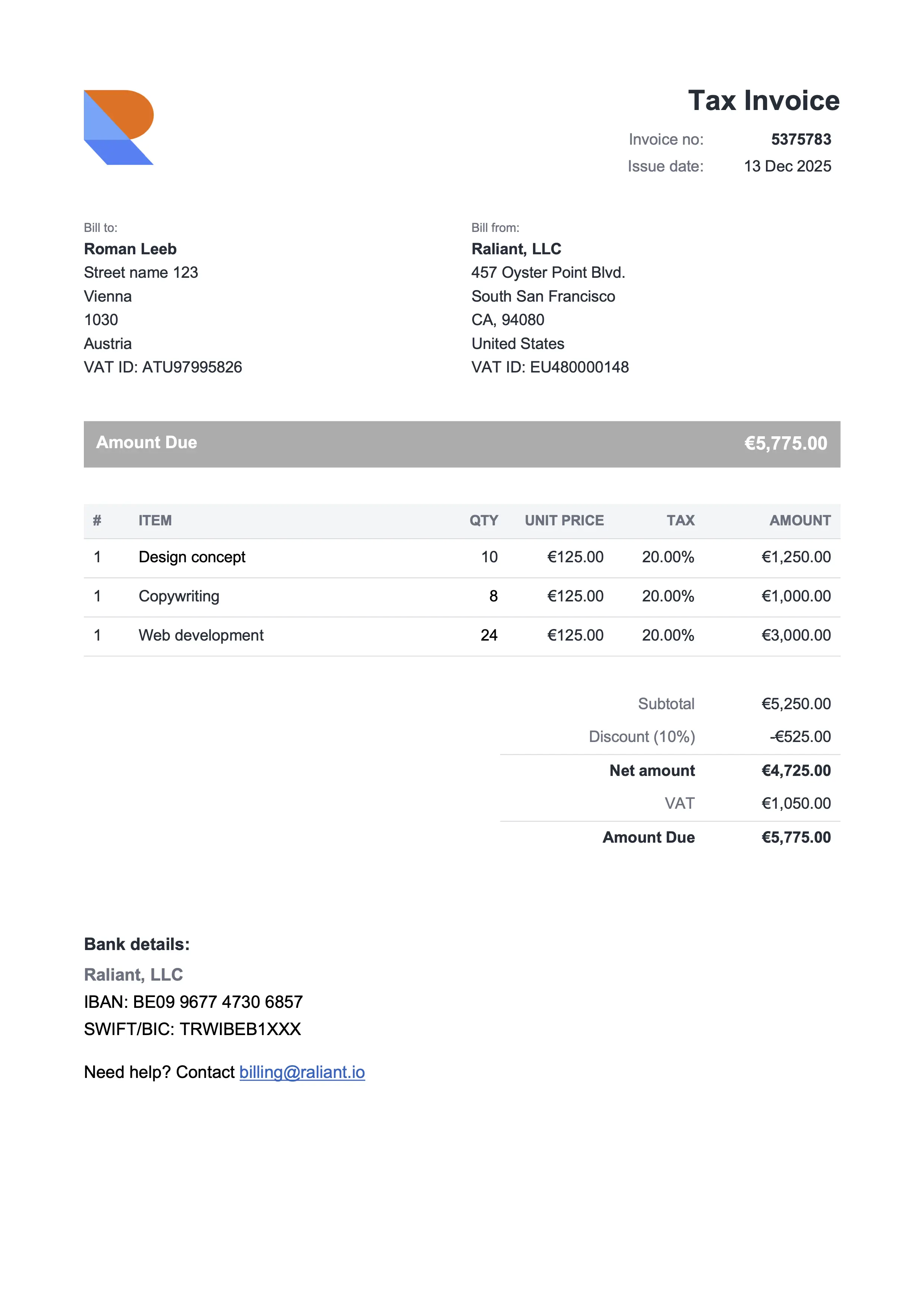
Compact Gray
Best for consultants & professional services
Free Google Docs invoice templates that look like a real business made them. Open any Google Doc invoice template above, click Make a copy, customize the placeholders, and send the PDF. If you'd rather have subtotals and tax calculate themselves, switch to the Google Sheets version. No design skills, no Office license, no signup.
Best for consultants & professional services
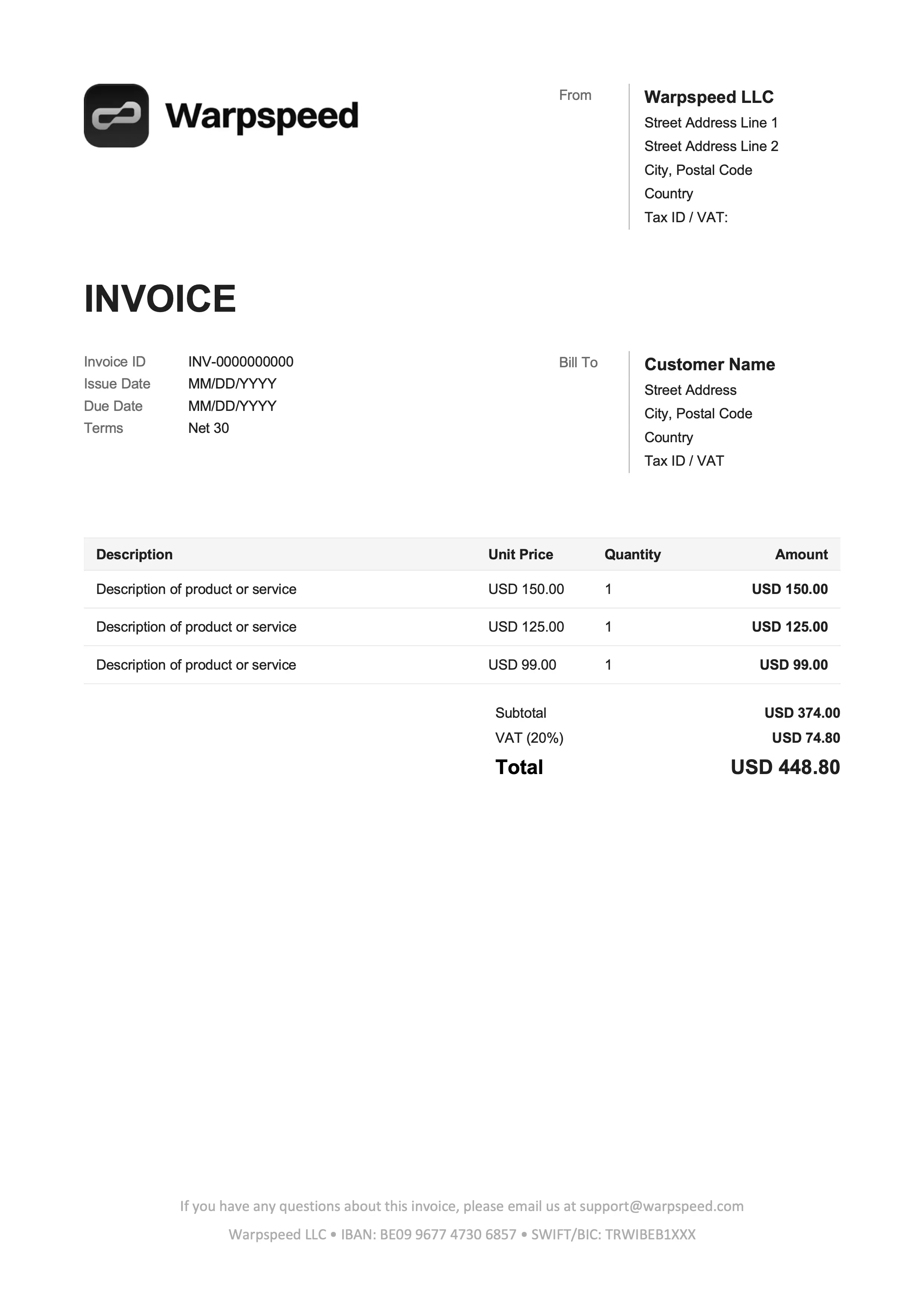
Best for freelancers & online services
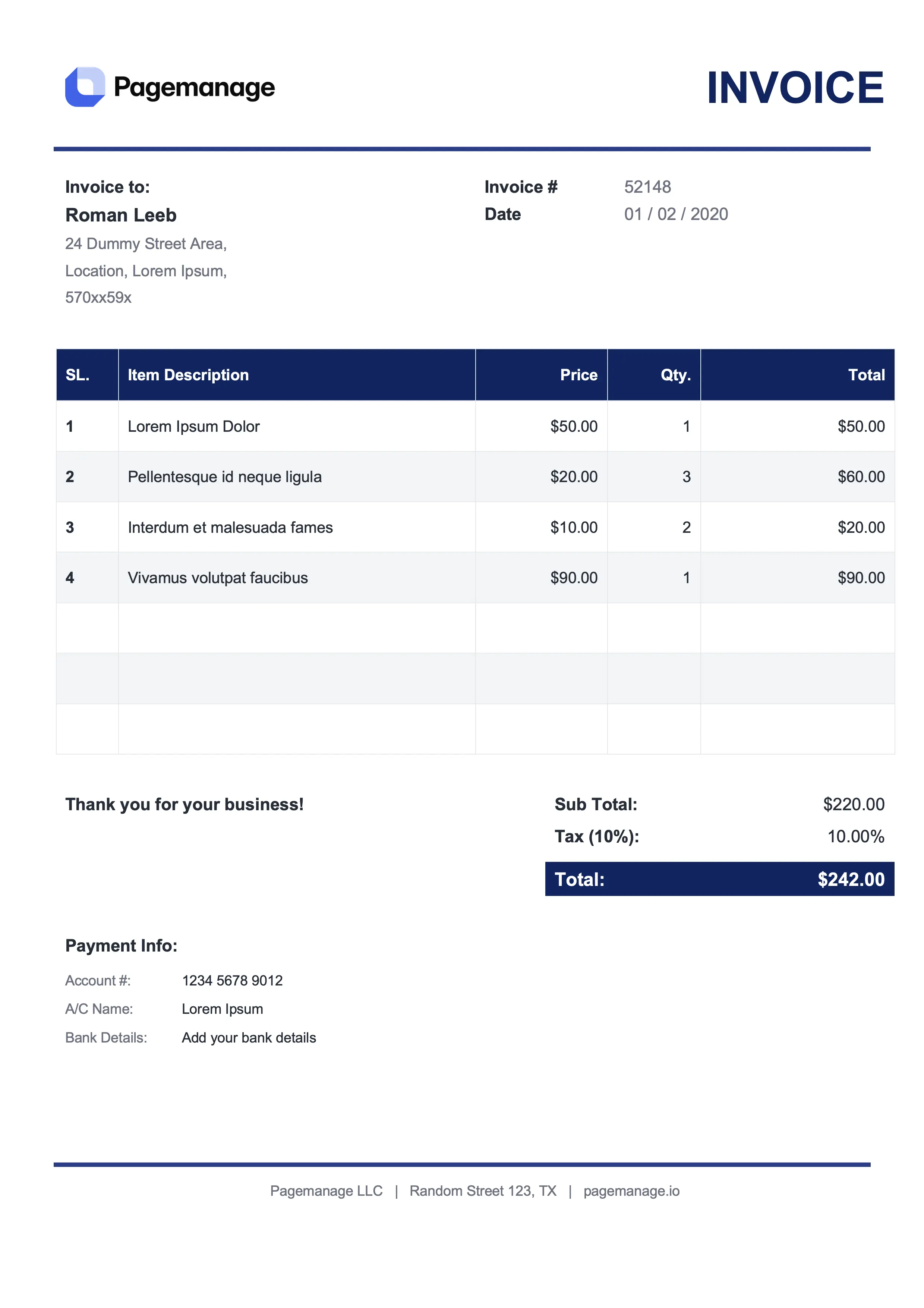
Best for lawyers & advisors
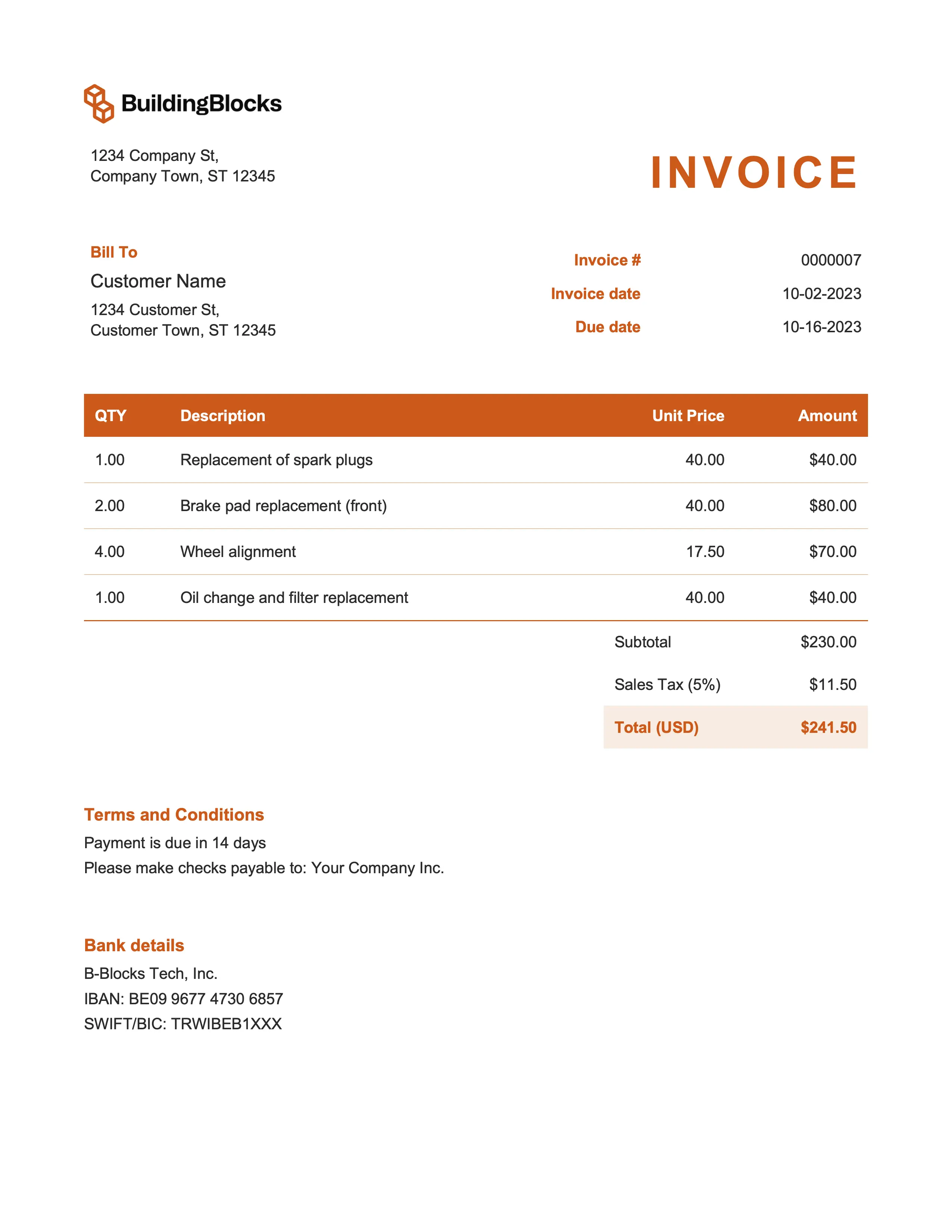
Best for marketing & event management
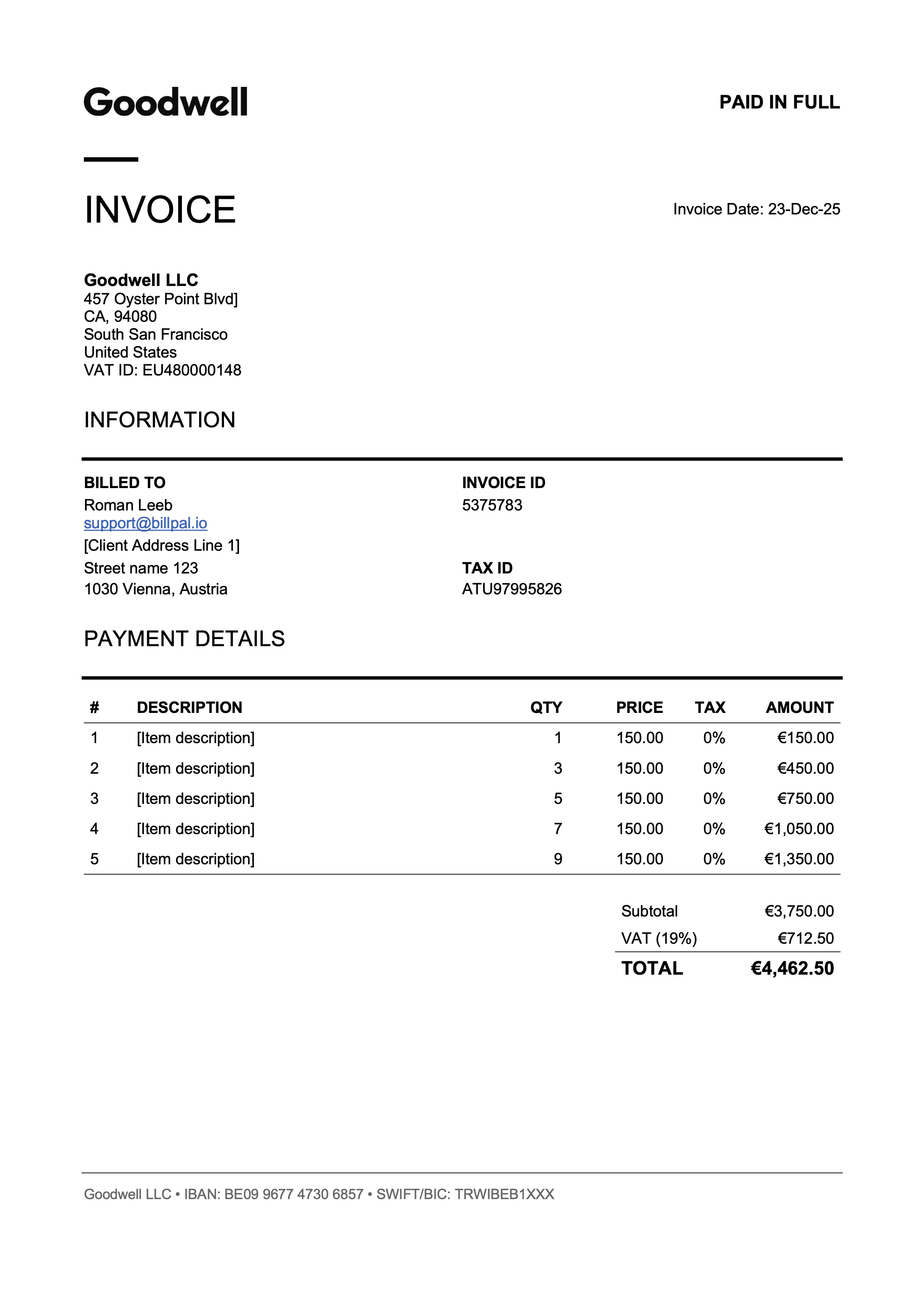
Best for designers & art directors
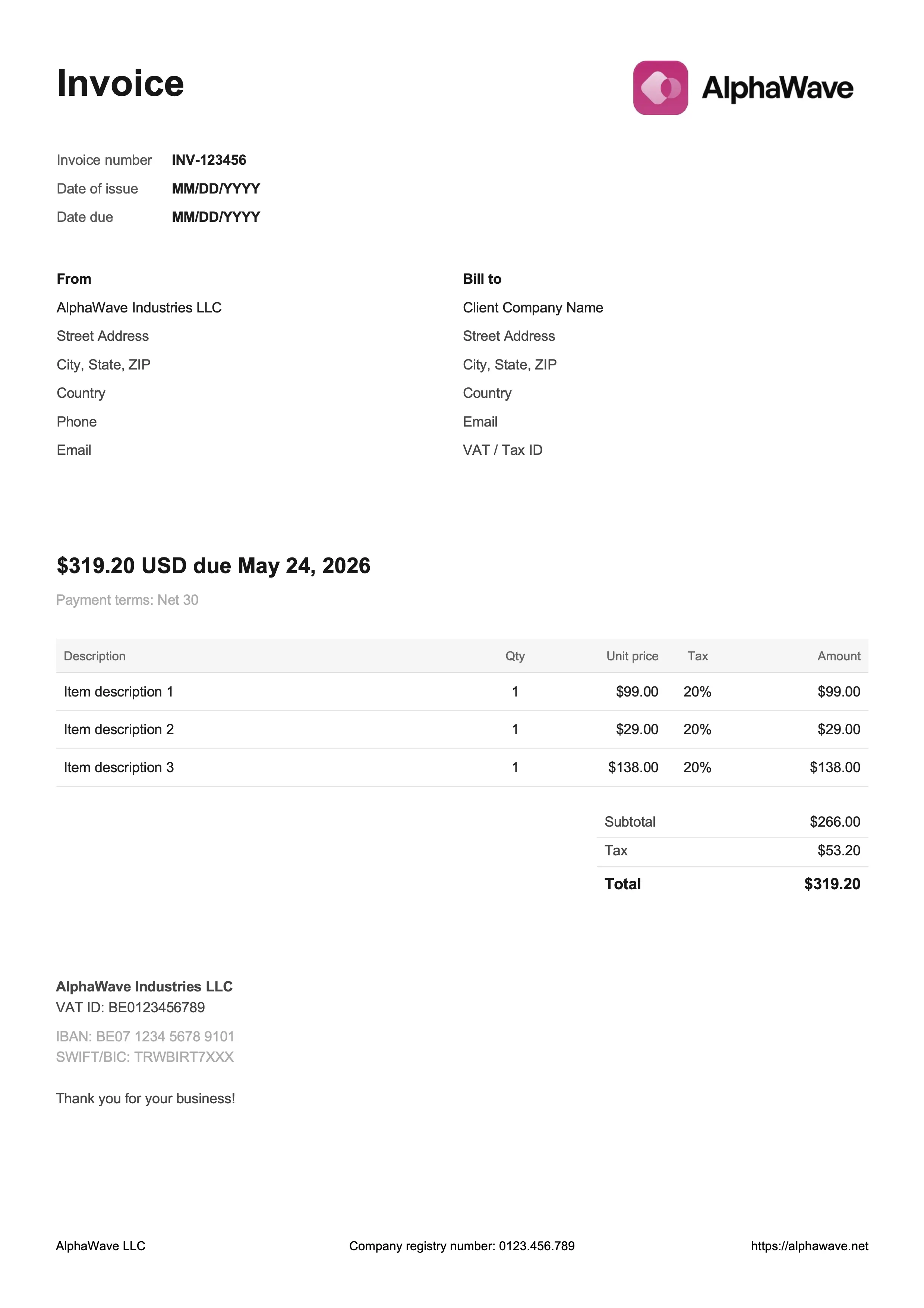
Best for digital products & creative work
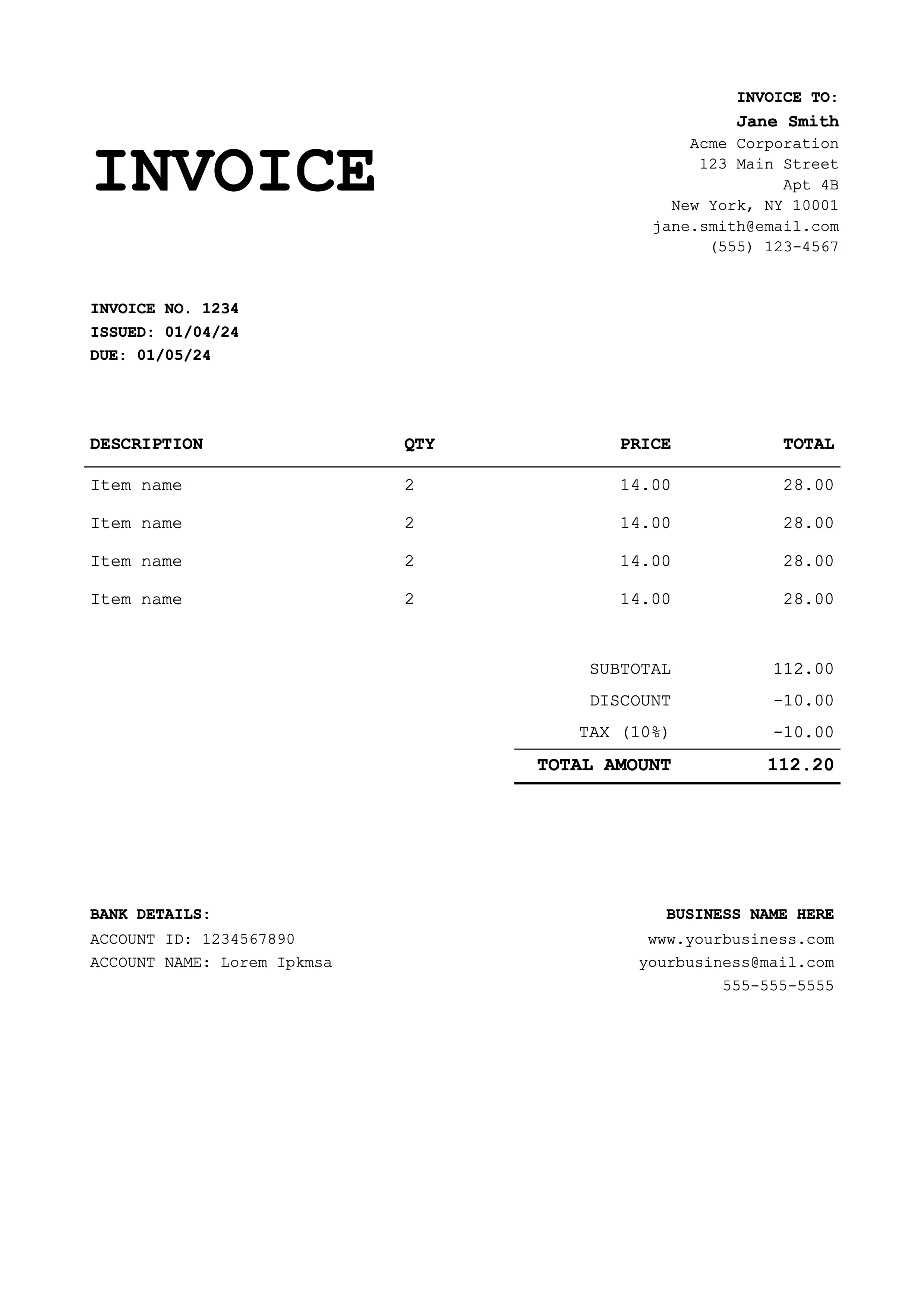
Best for coaches & educators
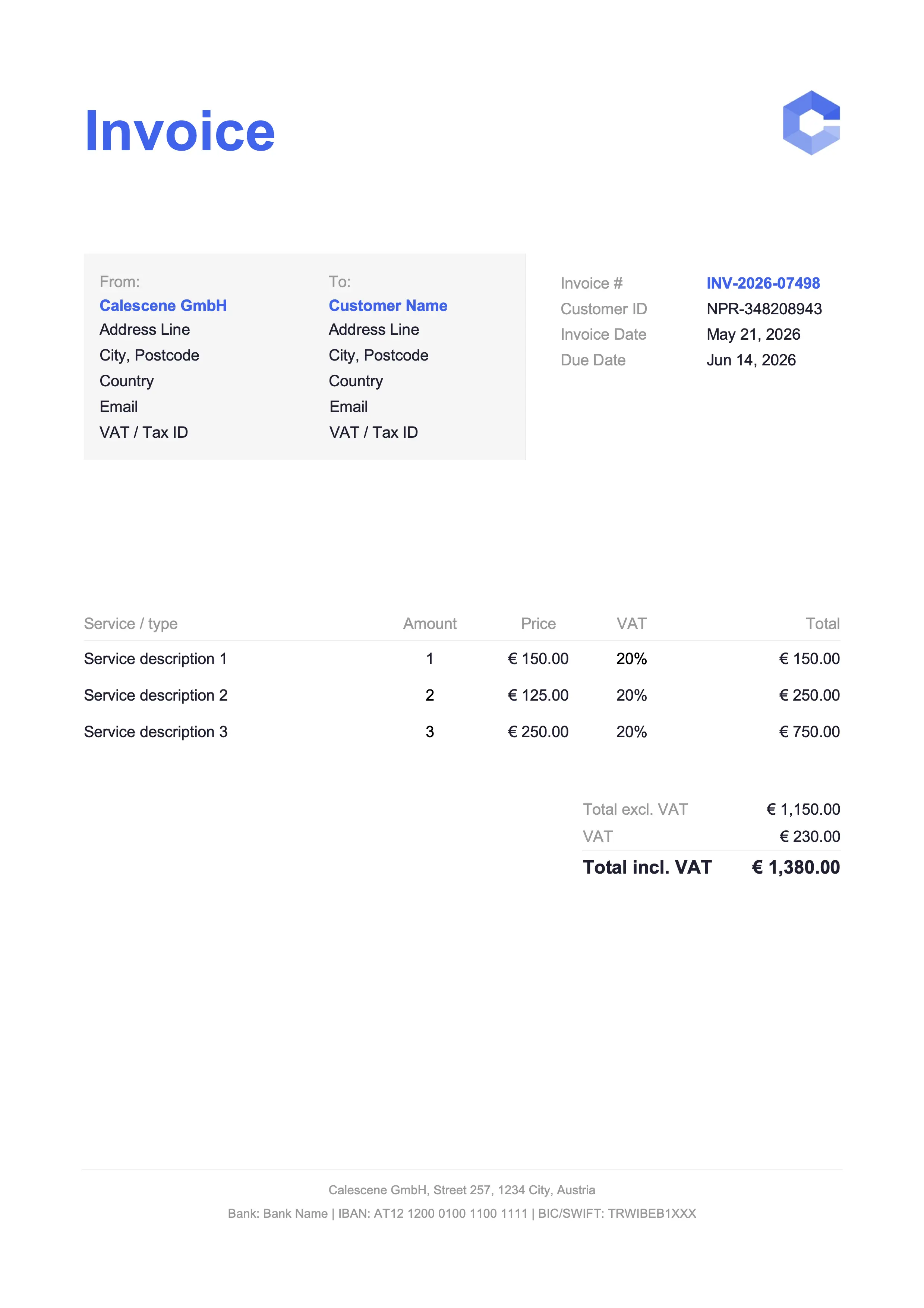
Best for tradespeople & service jobs
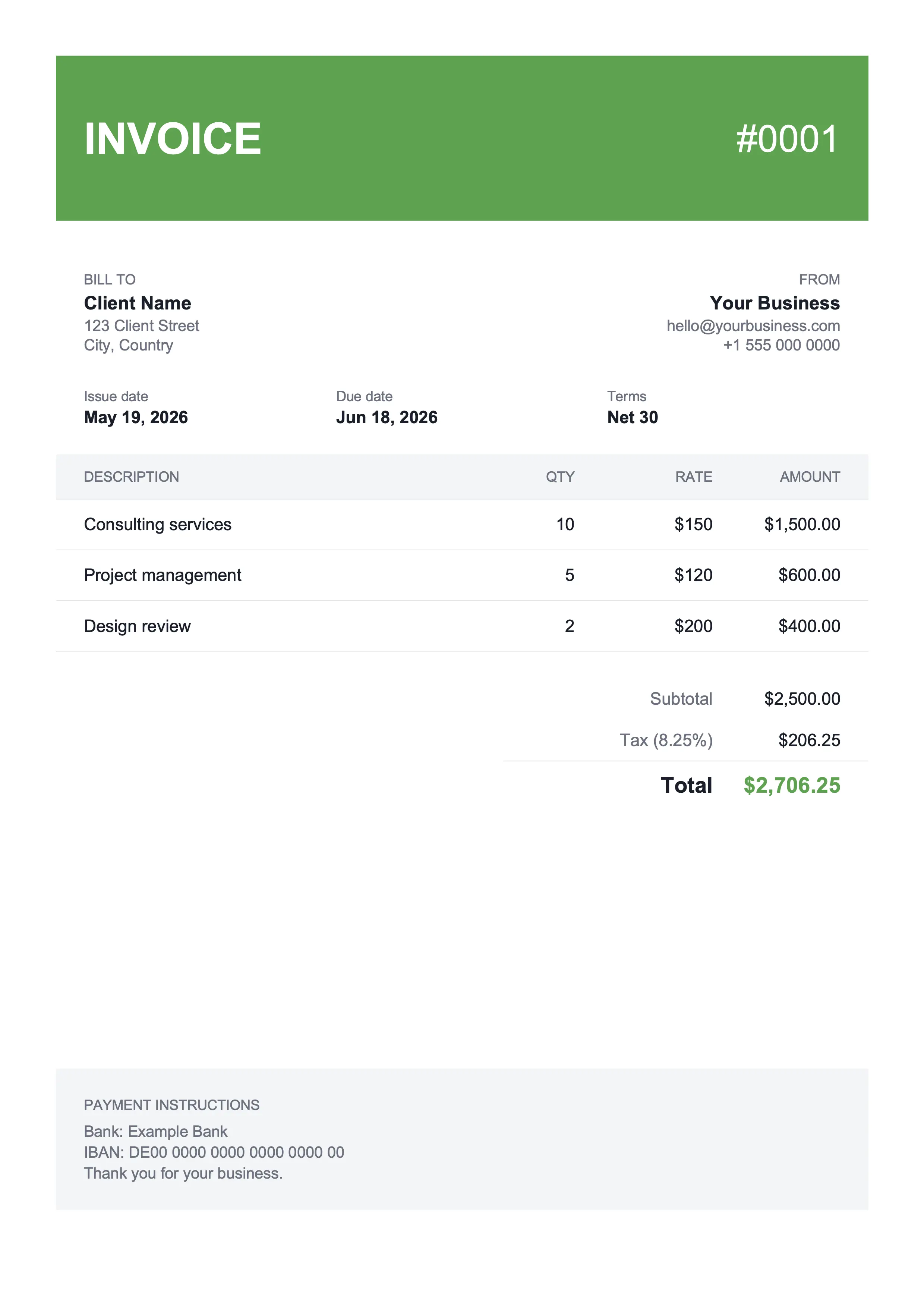
Best for shop owners & landscaping
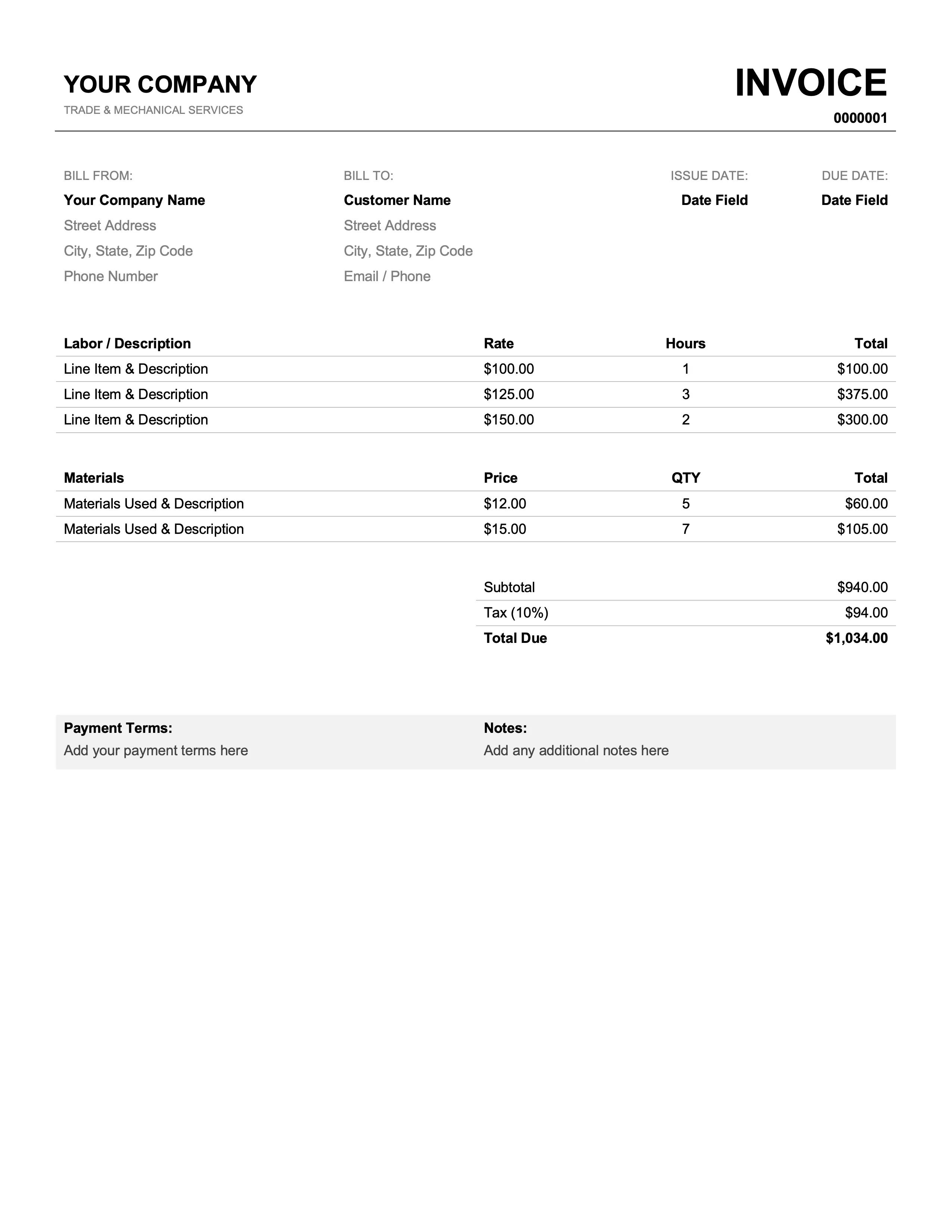
Best for mechanics & plumbers
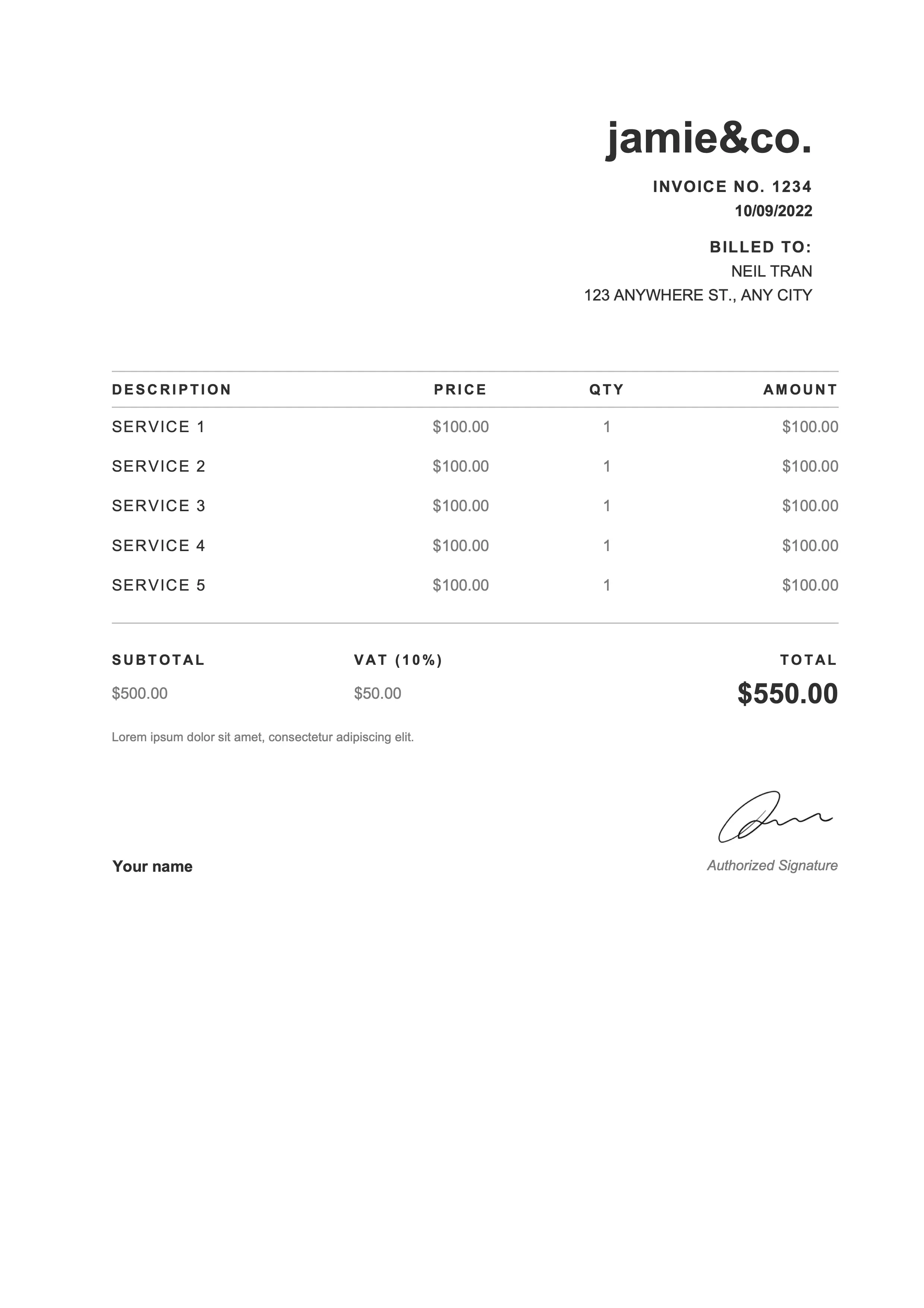
Best for photographers & web designers
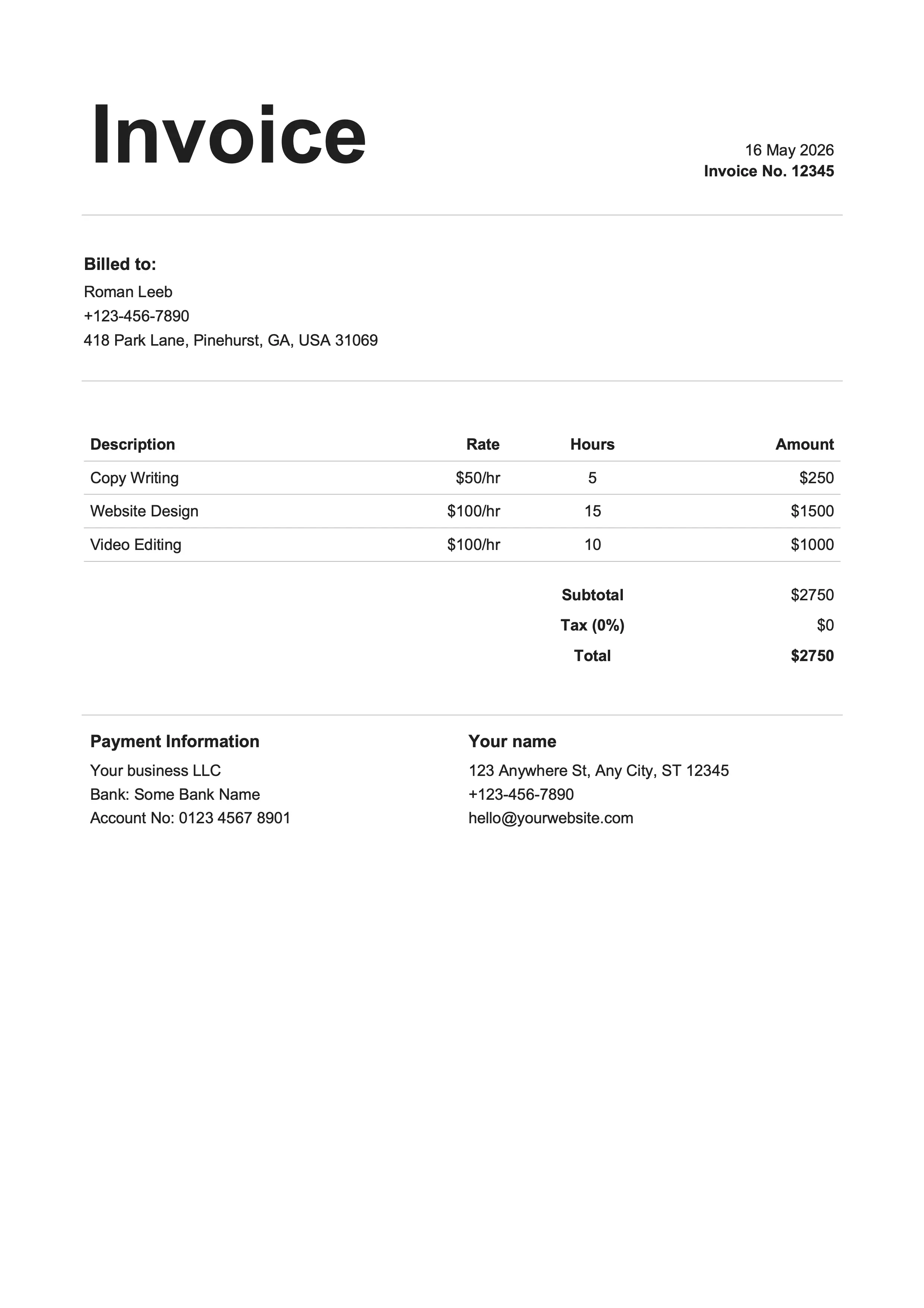
Best for writers & influencers
Same designs, different format. Pick whichever fits your workflow.
Google Docs is the fastest way to bill a client without installing anything: open the template in your Drive, type, send. The trade-off vs the Sheets version is no automatic math, you'll calculate the totals yourself. In return you get tighter typography and a real document feel. Every Google Docs invoice template above opens in your Drive in one click, with every standard field already in place.
Open the template, hit Make a copy, and you're editing inside thirty seconds.
Drop in your logo via Insert → Image and recolor headers to match your palette.
Runs in any browser, on any device. Real-time collaboration is built in if a teammate needs to review.
Number, dates, line items, tax row, payment terms. Nothing left to remember.
File → Download → PDF Document and you have a single-page invoice ready to attach to an email.
Business name, address, email, and phone for both parties.
Sequential number plus dates (default Net 15 or Net 30 terms).
Description, quantity, unit price, and amount per item.
Auto-calculated in the Excel and Google Sheets versions; manual in Word and Docs.
Bank details, accepted payment methods, and late-fee policy.
PO number, project name, and any custom terms or thank-you note.
Click Open in Google Docs on any template card above. Google offers to make a copy into your own Drive. Hit the button and you're editing your own copy, not the master template.
Swap the business name, address, contact details, and tax ID with your own. Use Insert → Image to drop your logo into the header slot. The placeholder formatting holds, so the layout doesn't break when you replace text.
Fill in the client's name, billing address, and the invoice number. Set the issue and due dates. In the line-items table, type a clear description, quantity, and unit price for each row. Specific descriptions get you paid faster than vague ones.
Calculate the subtotal yourself, apply any discount, add tax, and write the grand total. Add Net 15 or Net 30 terms and a short payment-method note: bank transfer details, a Stripe link, ACH info, or whatever you accept.
Go to File → Download → PDF Document. Attach the PDF to an email and hit send. If you'd rather skip the attachment, share the Doc link with view-only permissions, but PDF is the safer default.
Google Docs and Word do the same job: a clean, editable, document-style invoice. The real difference is where the file lives and how you work with it.
| Feature | Docs | Word |
|---|---|---|
| Where it lives | In your Google Drive | Local .docx file on your device |
| Works offline | With Drive offline mode enabled | Yes, natively |
| Real-time collaboration | Built-in for free | Limited (requires OneDrive) |
| Cost | Free with any Google account | Microsoft Office required |
| File format | Google Doc, exports to .docx or PDF | .docx (industry standard) |
| Best for | Teams already living in Drive | Single-author workflows in Office |
Yes, Google Docs has a built-in invoice template in its gallery, but it's spartan and a little dated. The free Google Doc invoice templates above are the polished version: every standard field, real typography, a one-click open into your Drive. Same Google invoice template designs are also available in Google Sheets if you want the math automated.
Open one of the free Google Docs invoice templates above, click Make a copy, then replace the placeholder business and client details. Enter the line items with description, quantity, and unit price. Calculate the subtotal, add tax, write the grand total. Finish with File → Download → PDF Document and email the PDF to your client.
Yes. Every design here ships in both Google Docs and Google Sheets, with identical visuals. Google Sheets adds built-in formulas so subtotals, tax, and totals update automatically as you type. Google Docs gives you tighter typographic control. Pick the one that fits your workflow today, switch later if you change your mind.
Click in the header where the placeholder logo sits, then Insert → Image → Upload from computer and pick your logo file. Drag the corner handles to size it. Every Google Docs invoice template leaves a dedicated logo slot so the layout doesn't reflow when you swap the placeholder for your real artwork.
Find the Tax line below the subtotal and write your rate as a percentage (for example, 8.25%). Multiply the subtotal by your tax rate manually and write the result in the tax-amount cell, then add subtotal plus tax for the grand total. If manual math sounds painful, switch to the Google Sheets version of the same template, which calculates tax automatically.
Yes. Every design ships in Google Docs, Google Sheets, Microsoft Word (.docx), and Microsoft Excel (.xlsx). Pick whichever format fits your workflow today. Switching later is just a re-download or a different copy link.
Two options. Export to PDF (File → Download → PDF Document) and attach it to an email, or share the Google Doc link with view-only permissions. PDF is the safer default. The recipient gets a clean, printable invoice and can't accidentally edit a totals row before forwarding it on.
A Google Docs template gets you through a handful of invoices a month. Past that, the typing isn't the problem – it's the tracking. Did this client pay? Which receipt belongs to which expense at tax time? Where's that PDF from March? Billpal sits on the bookkeeping side, not the invoicing side. Connect your inbox and your bank, and Billpal pulls every invoice and receipt out of your email and matches each one to the right bank transaction. Snap a paper receipt with your phone, send it to the WhatsApp bot, and it joins the pile. Year-end is one click: CSV plus every original PDF, bundled for your accountant.
Billpal collects invoices and receipts from where they already arrive and turns them into structured, categorized data for your accountant.