Compact Gray
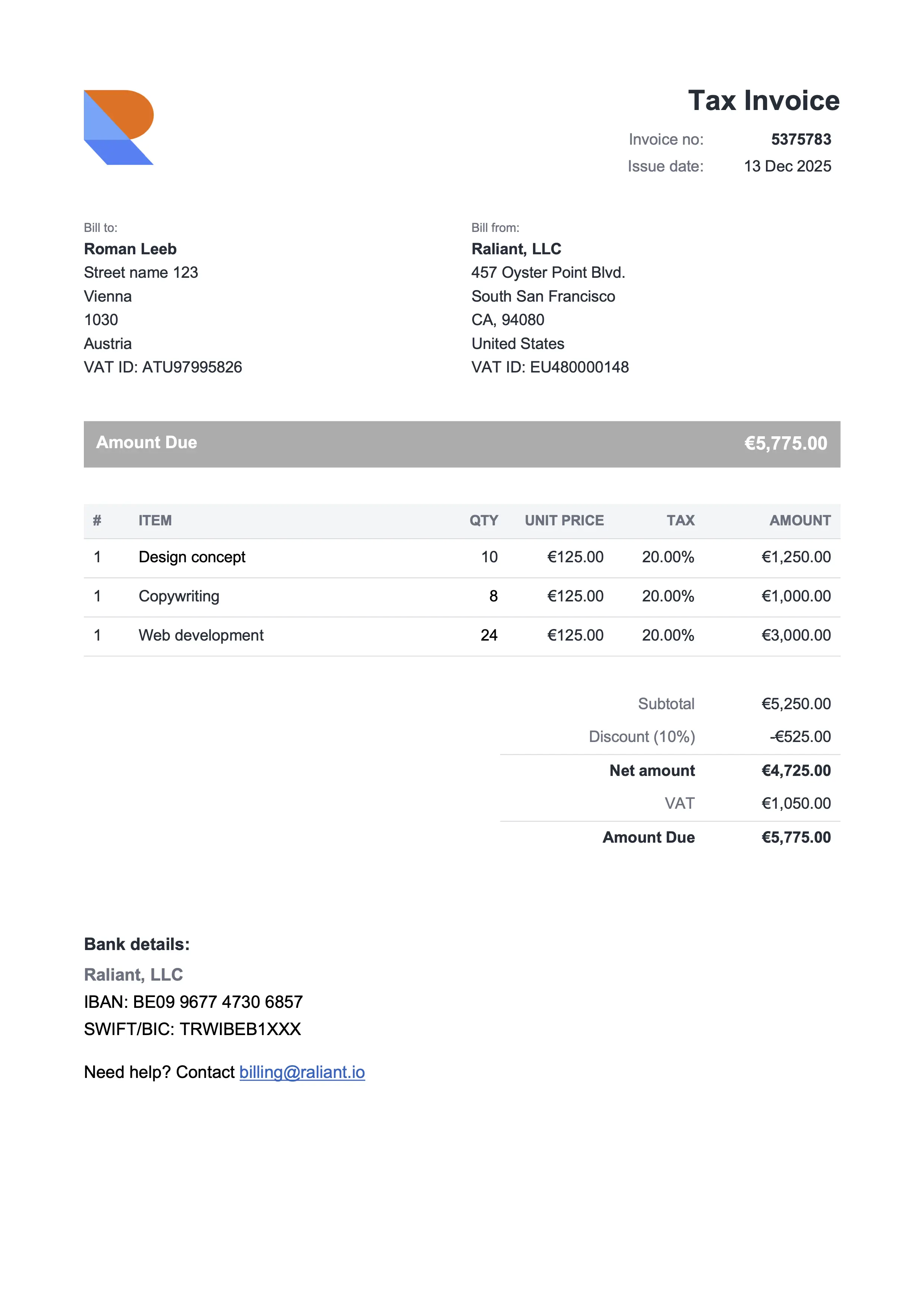
Best for consultants & professional services
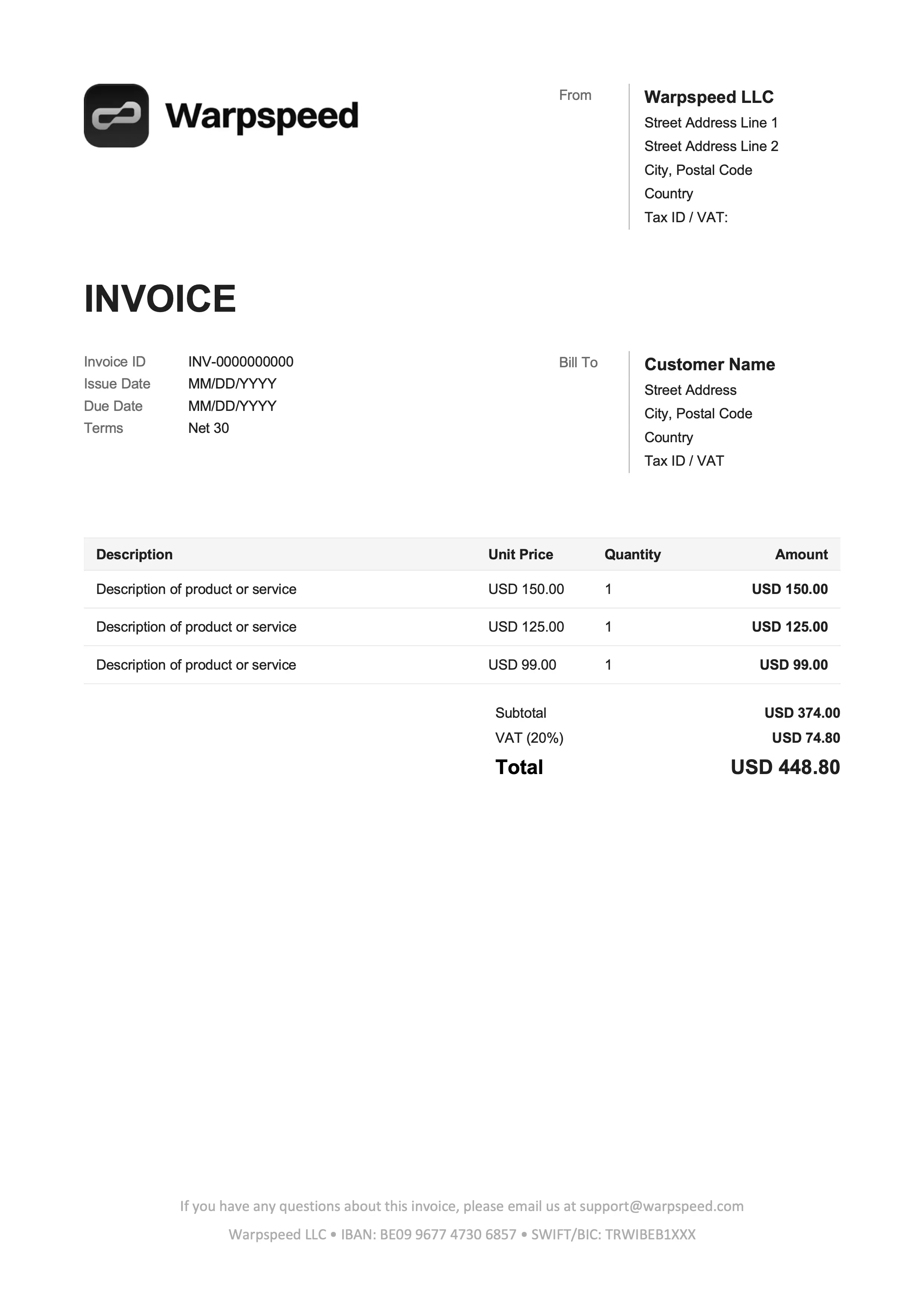
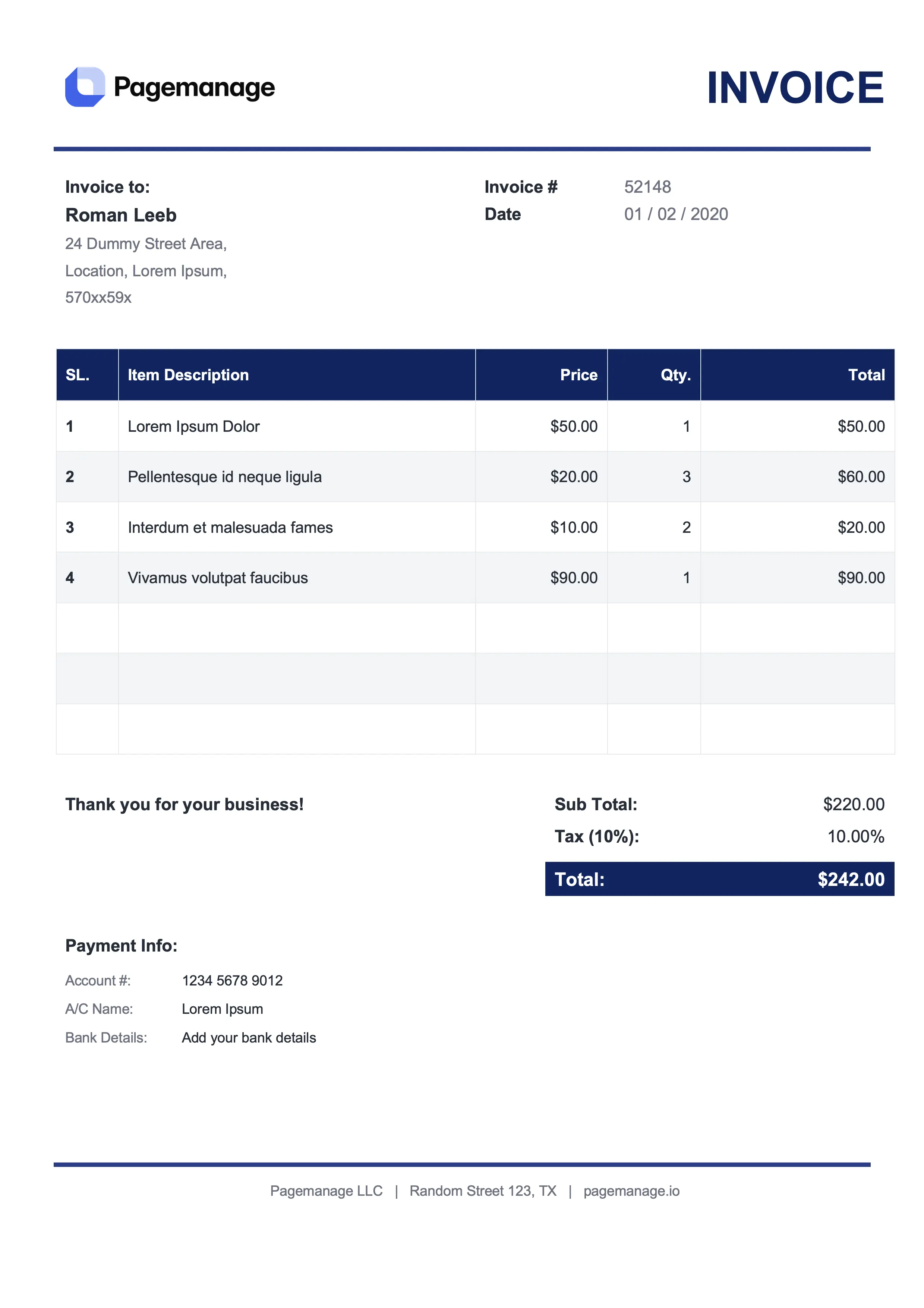
Free Google Sheets invoice templates with built-in formulas. Open any Google Sheet invoice template above, hit Make a copy, fill in the line items, and watch the subtotal, tax, and grand total recalculate themselves. For tighter typographic control without auto-calculations, the Google Docs version is one click away. Looks like an invoice. Calculates like a spreadsheet. Sends like a PDF.
Best for consultants & professional services
Best for freelancers & online services
Best for lawyers & advisors
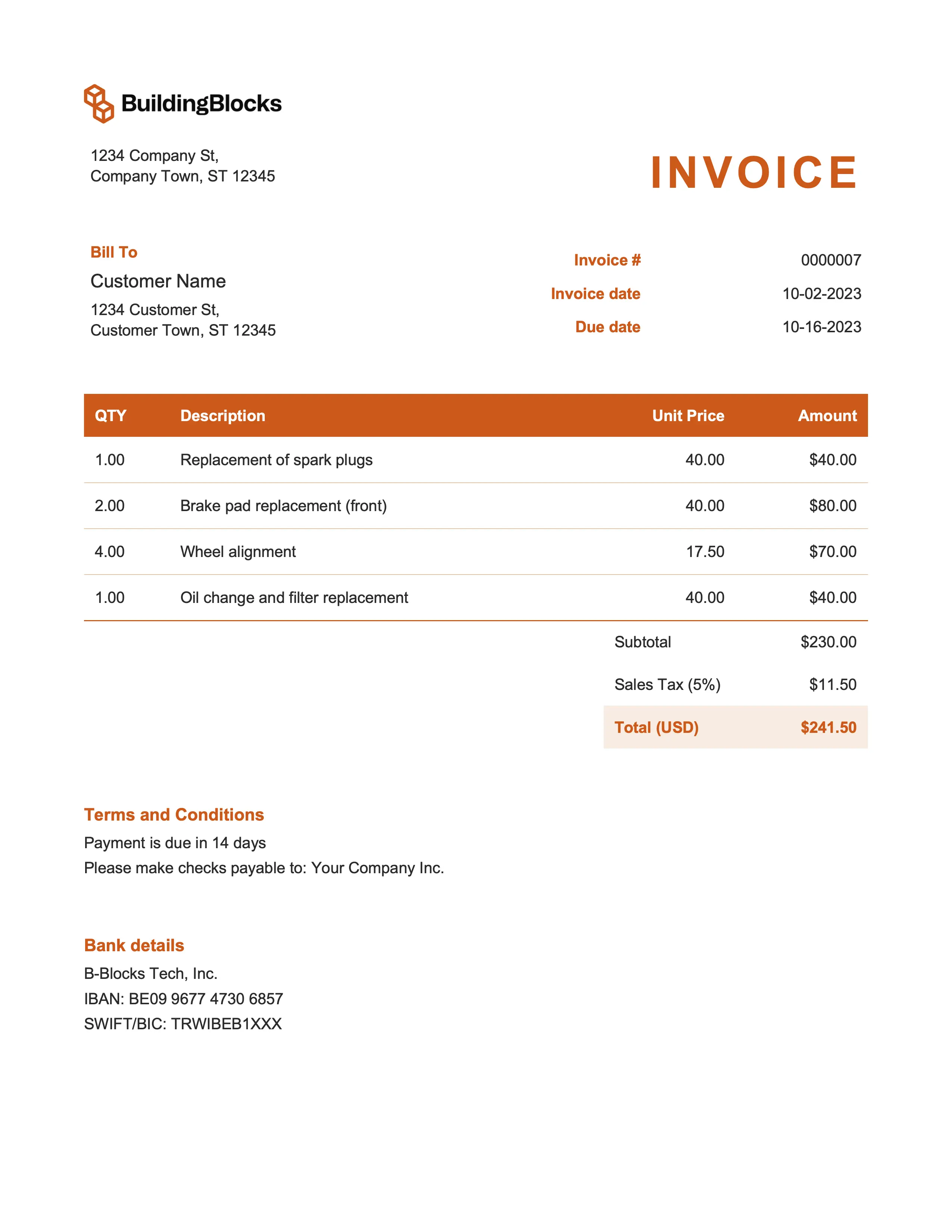
Best for marketing & event management
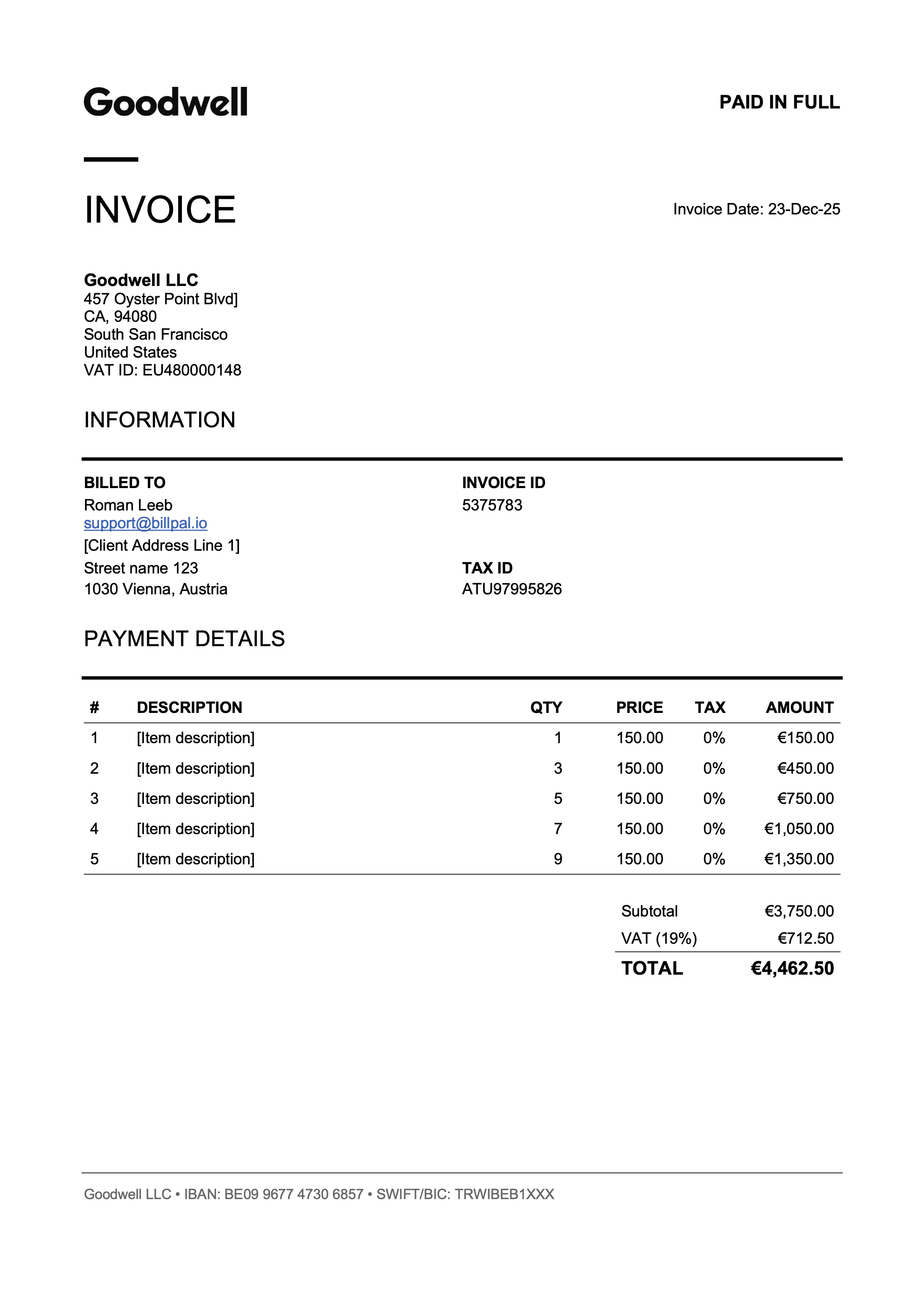
Best for designers & art directors
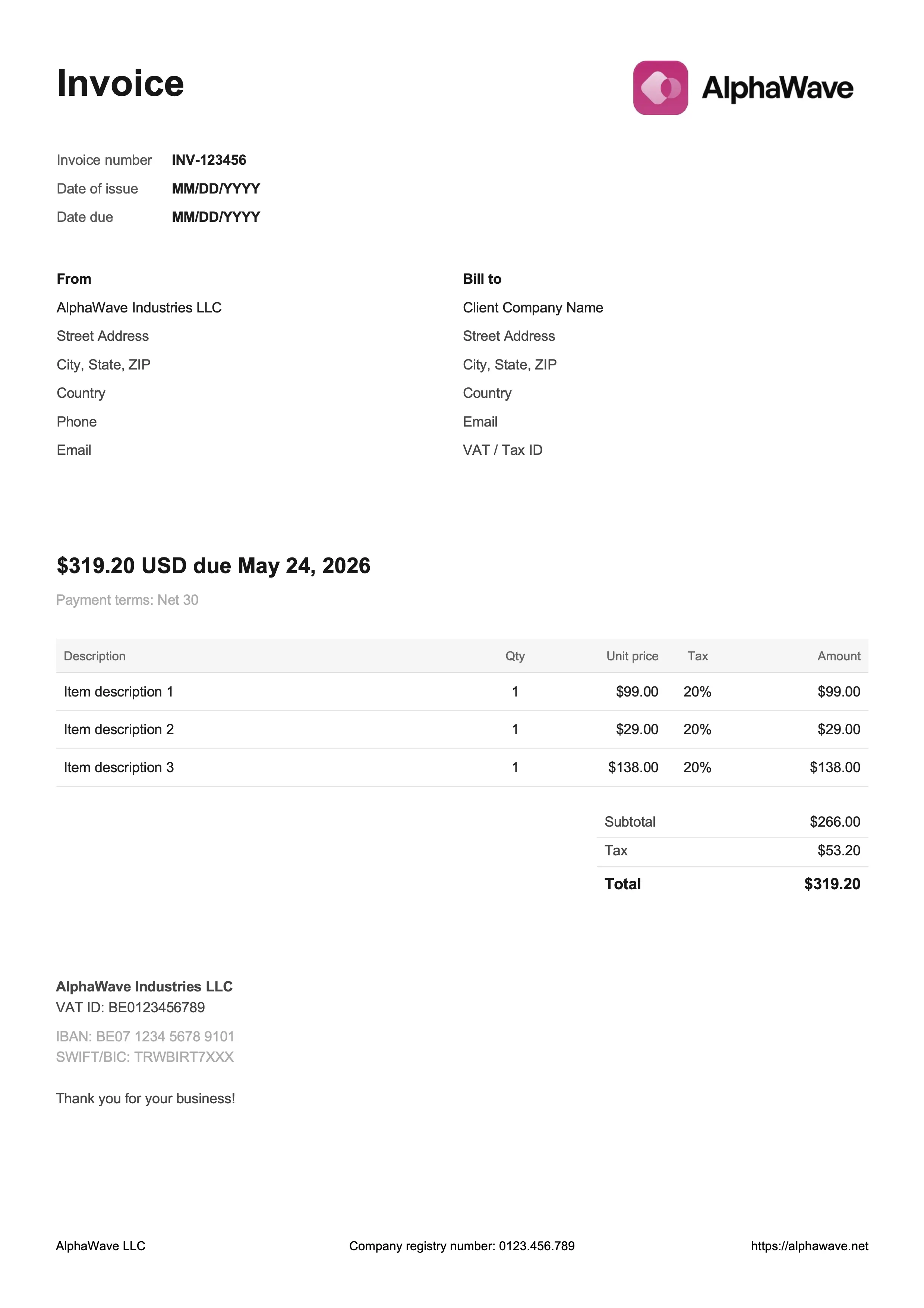
Best for digital products & creative work
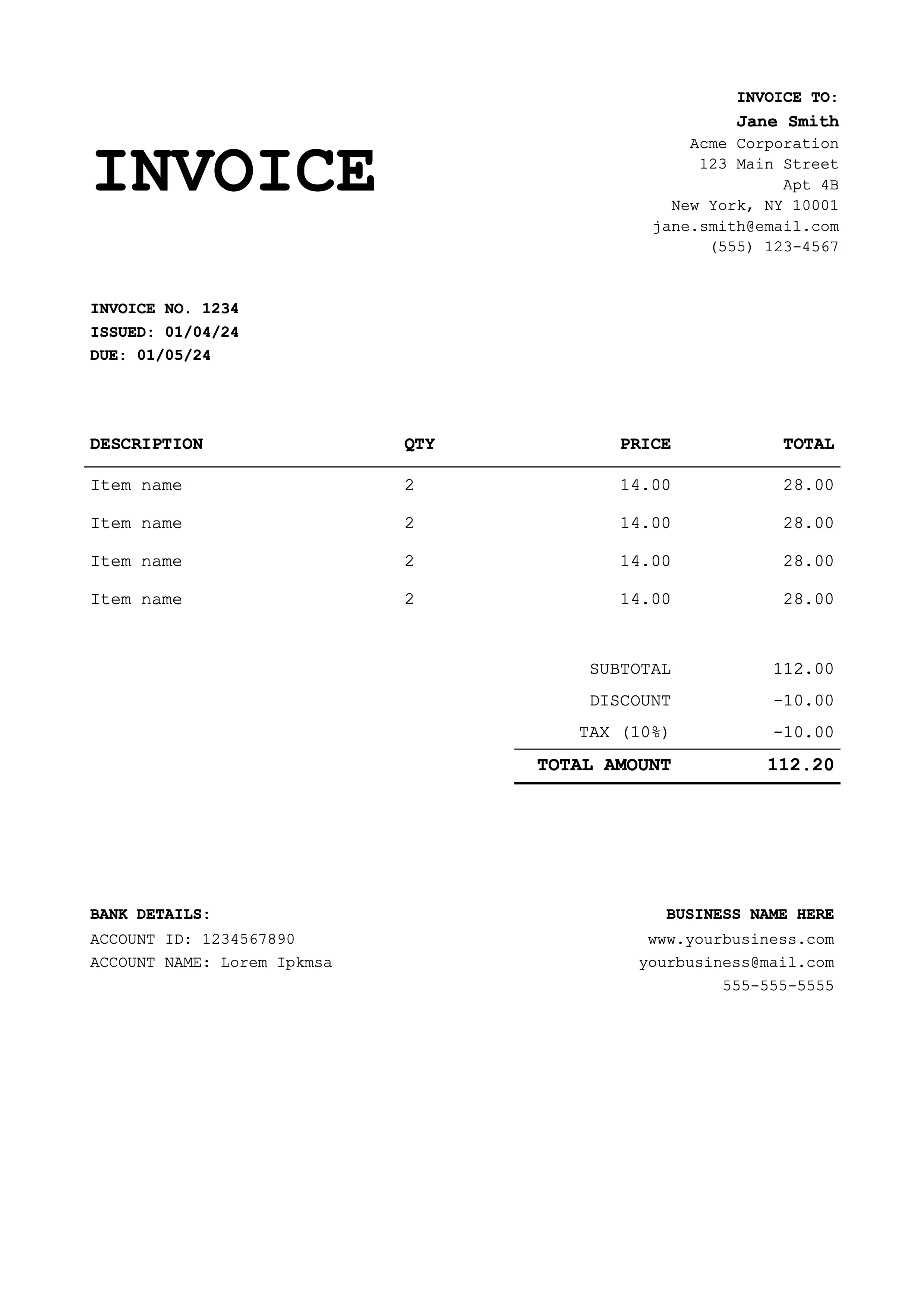
Best for coaches & educators
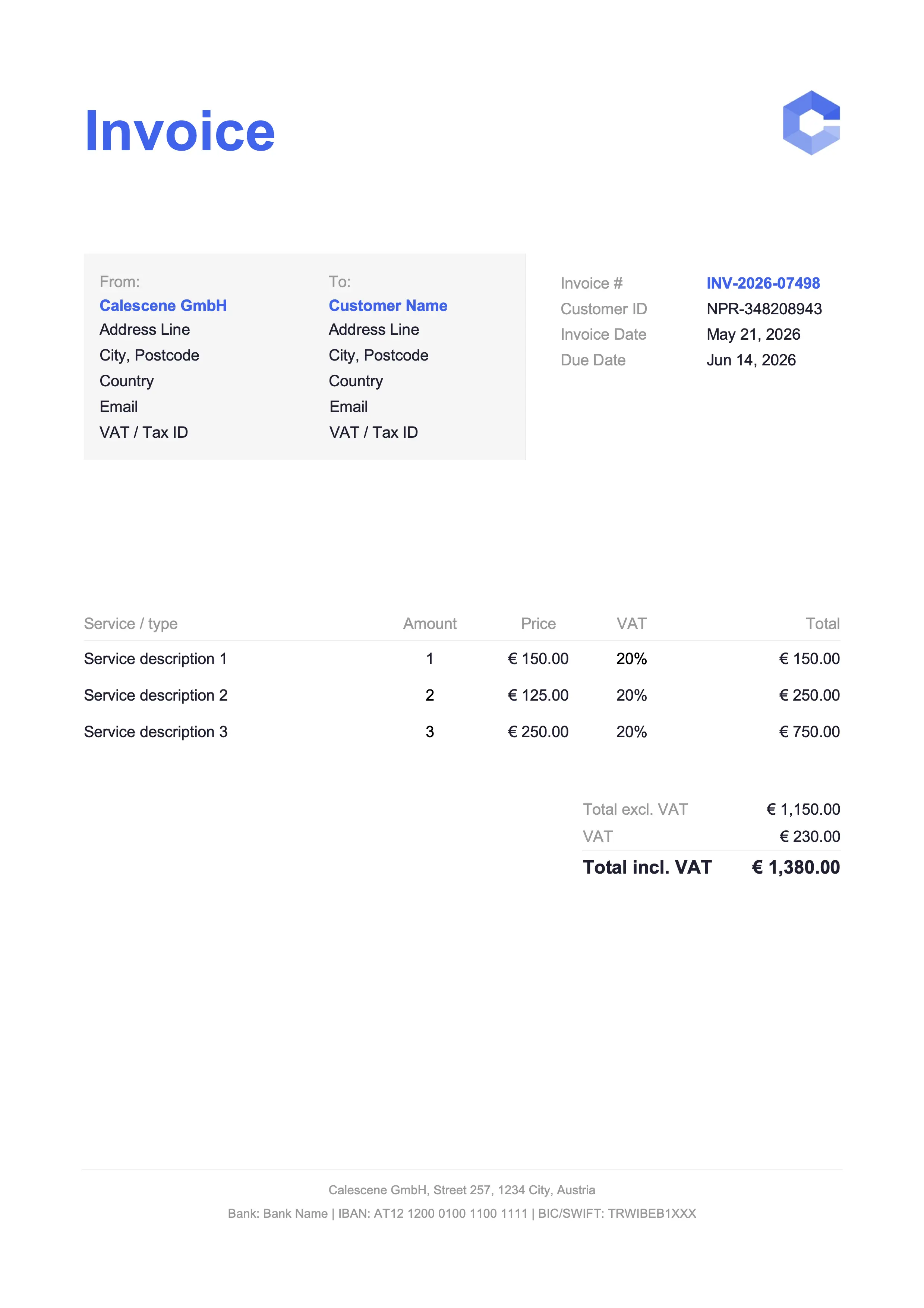
Best for tradespeople & service jobs
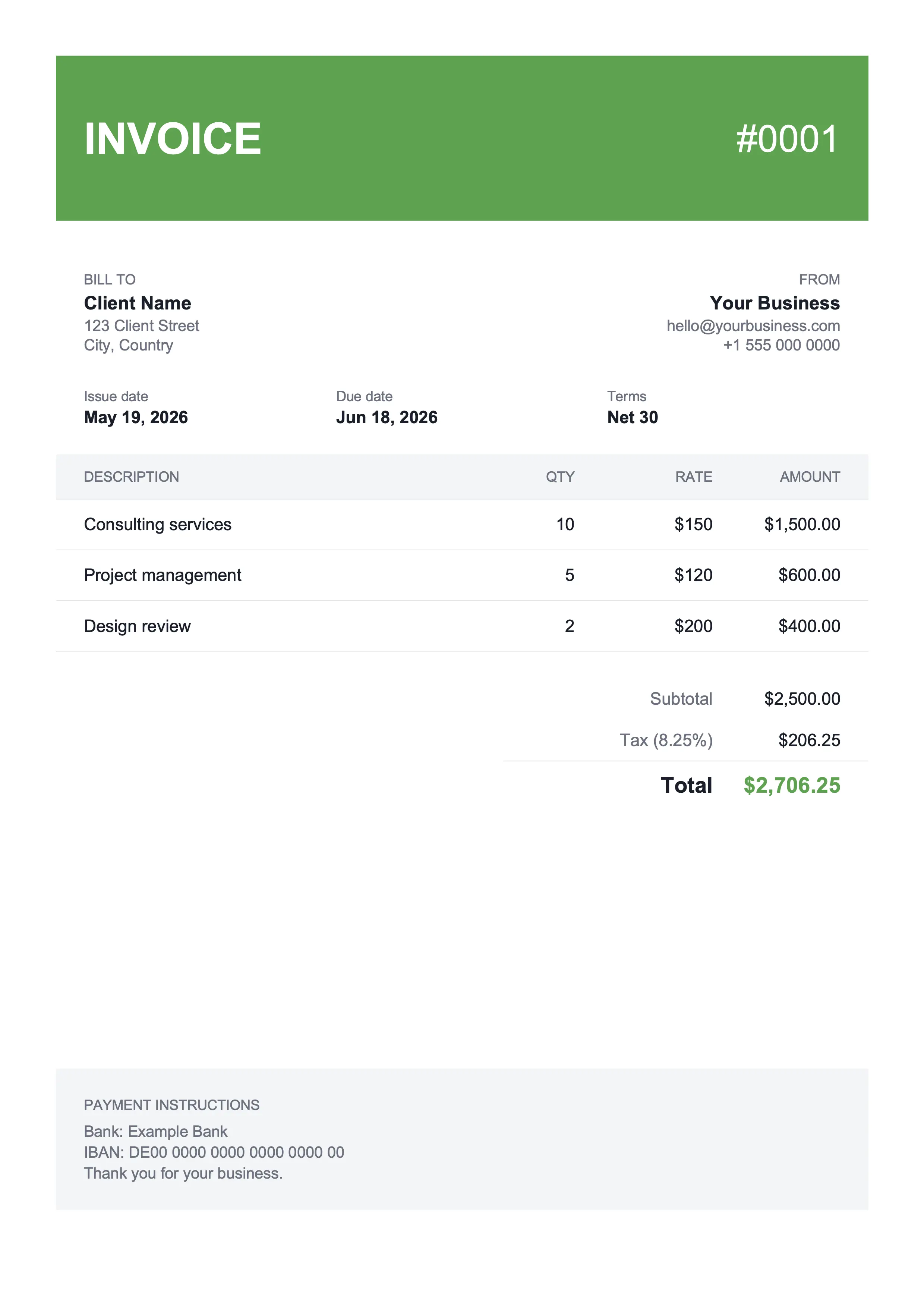
Best for shop owners & landscaping
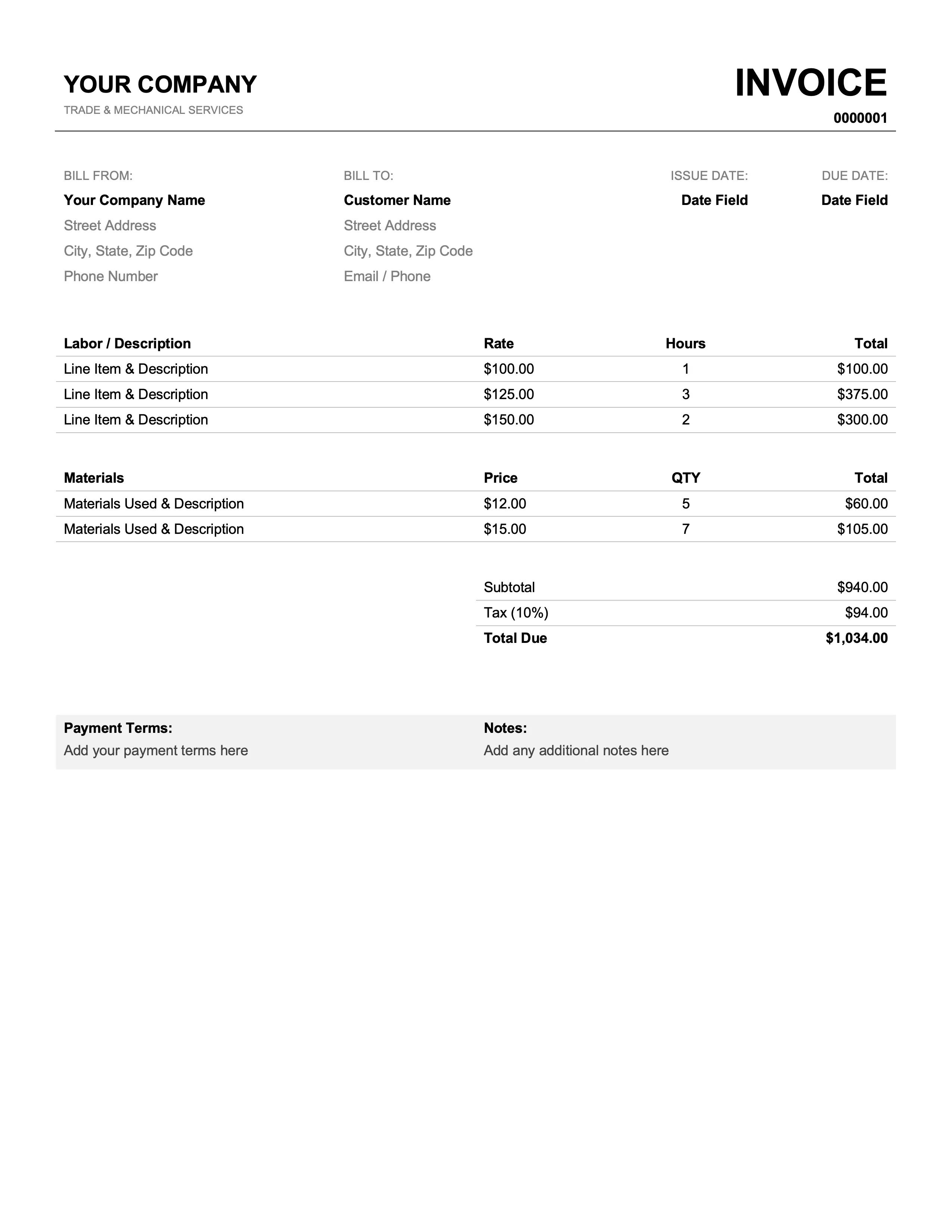
Best for mechanics & plumbers
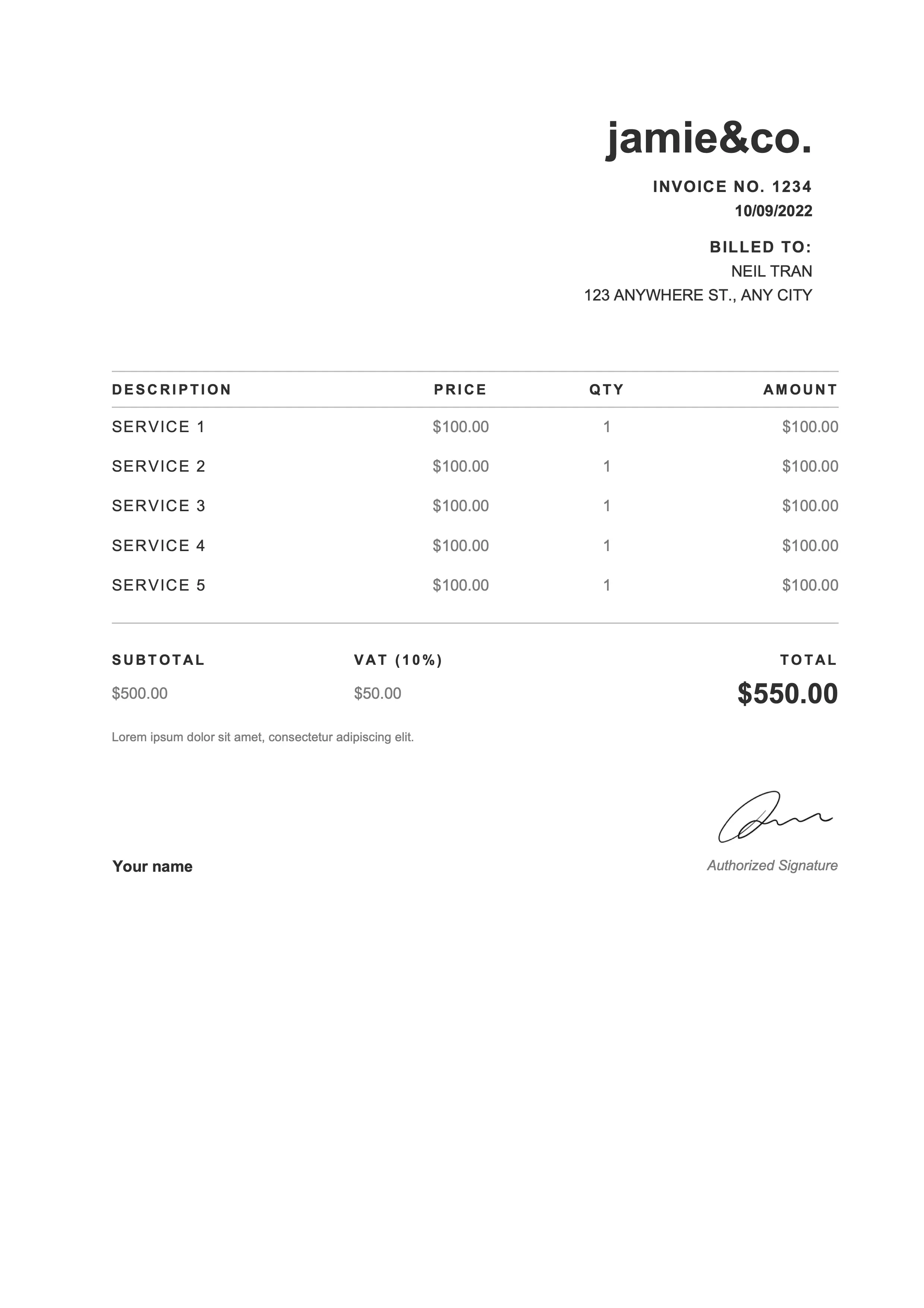
Best for photographers & web designers
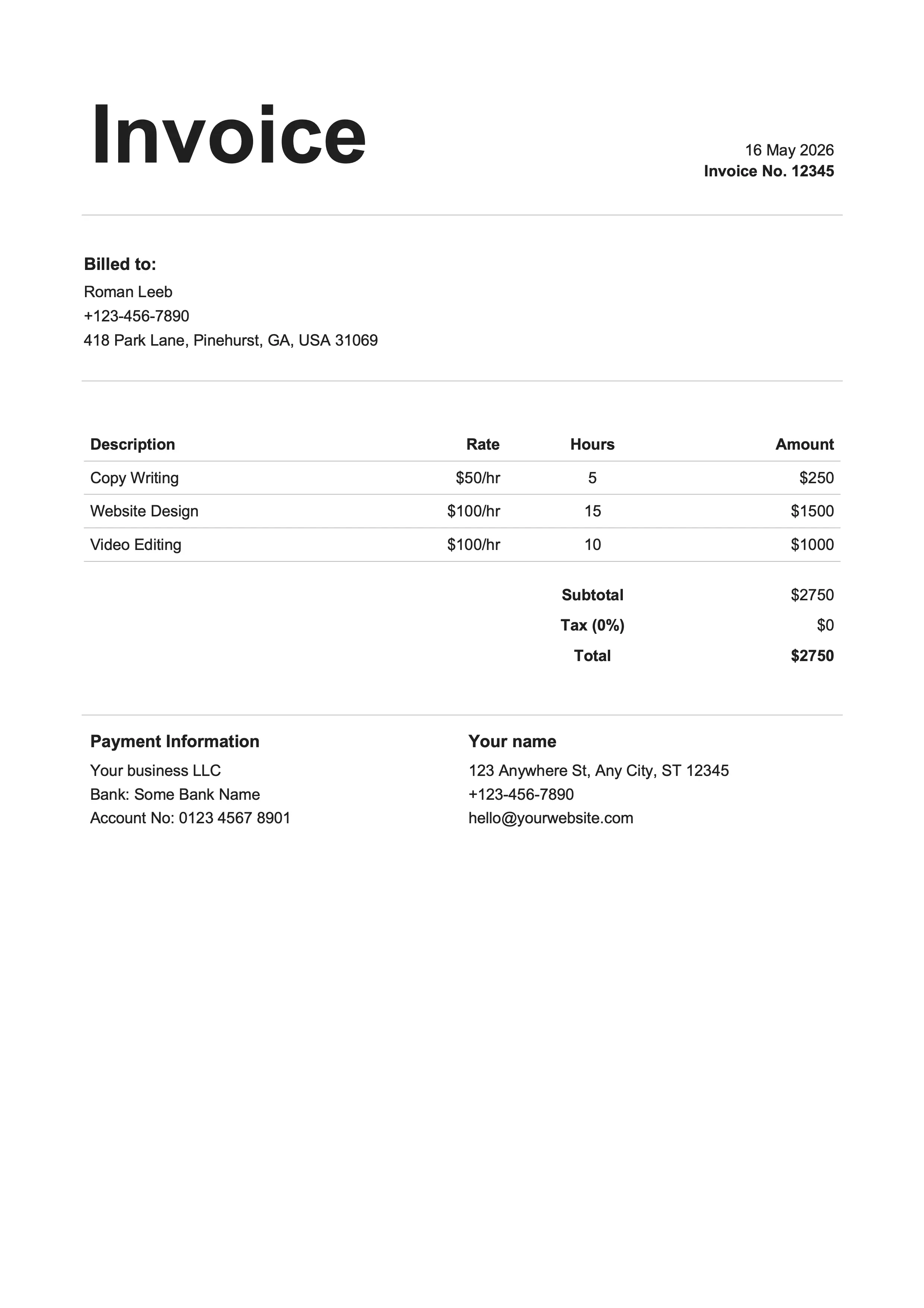
Best for writers & influencers
Same designs, different format. Pick whichever fits your workflow.
Google Sheets is the right pick when you want the math to handle itself and you'd rather not install Microsoft Excel. Every Google Sheets invoice template above is pre-wired with formulas: change a quantity or rate, every total down the page follows. Less typographic control than the Docs version, but the spreadsheet pays for itself the moment you have more than three line items.
Subtotal, discount, tax, and grand total update themselves as you fill in line items. No manual addition, no rounding errors.
Gridlines hidden, borders only where a real invoice would have them. Doesn't look like a raw spreadsheet.
Runs on any device, no Excel license required. Share with collaborators in real time before you send.
Right-click in Drive and Make a copy, or duplicate the tab inside one document. Either way every invoice stays tidy.
File → Download → PDF Document with Fit to width selected, and you have a single-page invoice ready to attach to an email.
Business name, address, email, and phone for both parties.
Sequential number plus dates (default Net 15 or Net 30 terms).
Description, quantity, unit price, and amount per item.
Auto-calculated in the Excel and Google Sheets versions; manual in Word and Docs.
Bank details, accepted payment methods, and late-fee policy.
PO number, project name, and any custom terms or thank-you note.
Click Open in Google Sheets on any template card above. Google offers to make a copy into your own Drive. Confirm and you're editing your own copy, not the master template.
Replace the placeholder business name, address, and contact info at the top. Use Insert → Image → Image over cells to drop in your logo. The header is sized to fit a standard logo without breaking the layout below it.
Enter a description, quantity, and unit price for each line. The Amount column multiplies them automatically. Insert a row if you need more lines and the formulas extend automatically into the new row.
Update the Tax rate cell with your rate as a decimal (0.0825 for 8.25 percent) and any discount. The grand total recalculates instantly. Cell labels show exactly which formula does what.
File → Download → PDF Document. Choose Fit to width and Portrait orientation, and you get a single-page invoice that prints and attaches cleanly. Email the PDF to your client.
Google Sheets and Excel both calculate invoice totals automatically. The real difference is where the file lives and how you collaborate.
| Feature | Sheets | Excel |
|---|---|---|
| Where it lives | In your Google Drive | Local .xlsx file on your device |
| Works offline | With Drive offline mode enabled | Yes, natively |
| Real-time collaboration | Built-in for free | Limited (requires OneDrive) |
| Cost | Free with any Google account | Microsoft Office required |
| Formula library | Most Excel functions plus Apps Script | Full Excel functions plus macros |
| Best for | Cloud-first teams and remote collaborators | Established Excel workflows or complex models |
Google's own gallery has a basic invoice. The free Google Sheet invoice templates above are more polished, ship with every standard field already laid out, and use pre-wired formulas so subtotals and tax recalculate as you type. Click Open in Google Sheets to copy a design into your Drive.
Find the Tax rate cell and type your rate as a decimal (0.0825 for 8.25 percent). The Tax amount cell uses a built-in formula to multiply the subtotal by your rate, and the grand total updates automatically. No manual math, no copy-paste arithmetic to double-check.
Click the cell where the logo goes, then Insert → Image → Image over cells. Upload your file and drag the corners to size it. Every Google Sheets invoice template leaves a dedicated header area for the logo, so it sits cleanly without reflowing the rest of the invoice.
Export to PDF: File → Download → PDF Document, then set Fit to width. Attach the PDF to your email. You can also share the Sheet link with view-only permissions, but PDF is the safer default. Your client gets a clean invoice and can't accidentally see the formulas underneath.
Yes. Every template above ships in both Google Sheets and Microsoft Excel (.xlsx) with the same design, layout, and formulas. Switching from Sheets to Excel is just a download. The math behaves the same way.
Two ways. Right-click the file in Drive and Make a copy, then rename it with the new client and invoice number. Or duplicate the sheet inside the same file: right-click the tab at the bottom and choose Duplicate. The first keeps a separate file per invoice, the second keeps every invoice in one place with each tab numbered.
Google Sheets calculates the totals for you automatically. Google Docs doesn't. Use the Google Sheets invoice template when you want the math handled. Use the Google Docs version when you want a document-style invoice with more typographic control, custom fonts, and pixel-tight layout.
Sheets handles the math at any volume. What it can't tell you is which invoices actually got paid. That's a bookkeeping problem, not an invoicing one – and Billpal lives on the bookkeeping side. Connect your email and bank, and Billpal pulls every invoice and receipt out of your inbox and matches each one to the right bank transaction. Paper receipts go in via WhatsApp – snap a photo, send it to the bot, done. At year-end, your accountant gets one CSV plus a ZIP of every original PDF.
Billpal collects invoices and receipts from where they already arrive and turns them into structured, categorized data for your accountant.