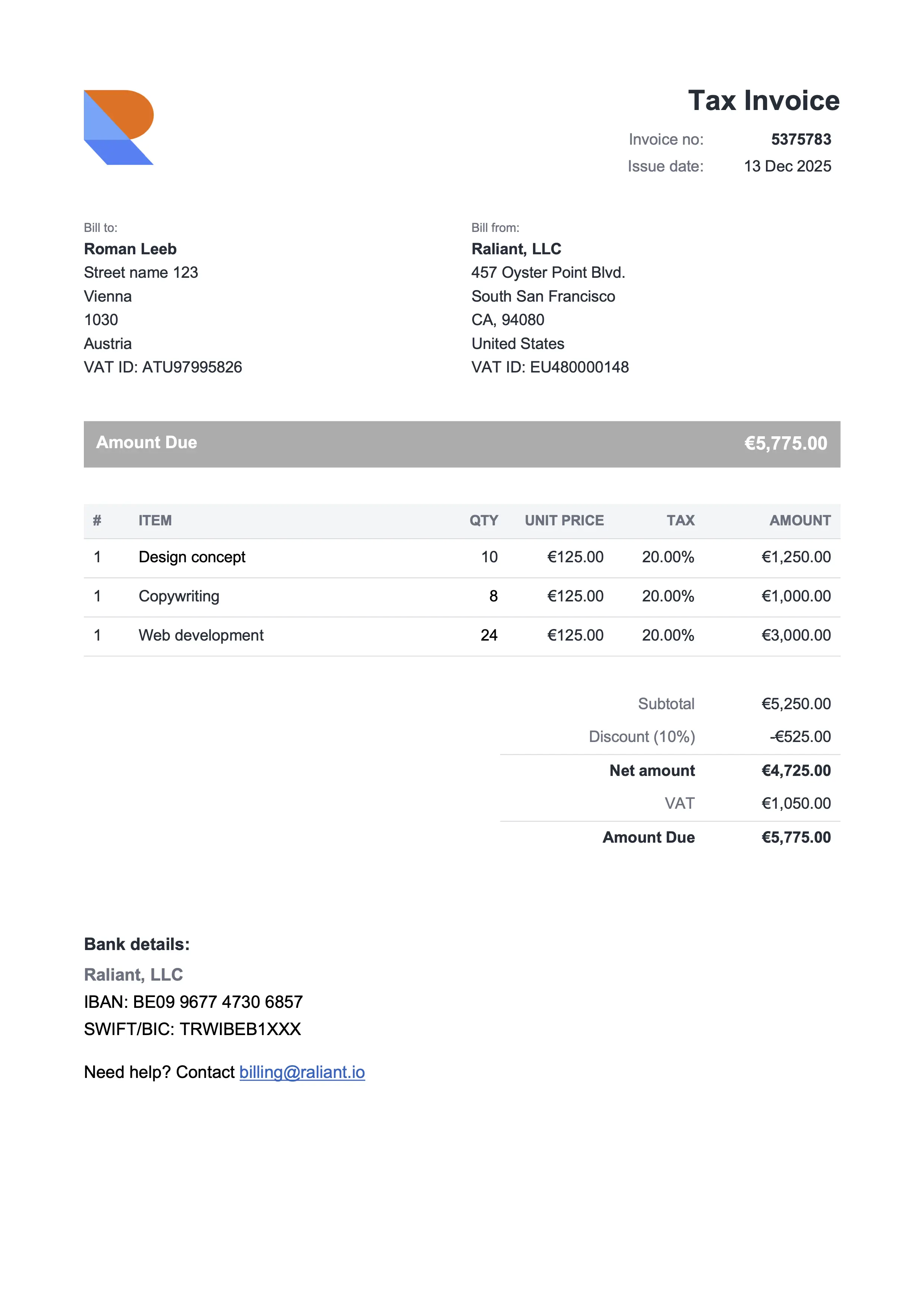
Compact Gray
Best for consultants & professional services
Free Microsoft Excel invoice templates with built-in formulas. Direct .xlsx download, no signup. Change a quantity or rate and the subtotals, tax, and grand total recalculate themselves down the page. For a cleaner document-style layout, the Word version of every design is a direct .docx download. Customize, save as PDF, send.
Best for consultants & professional services
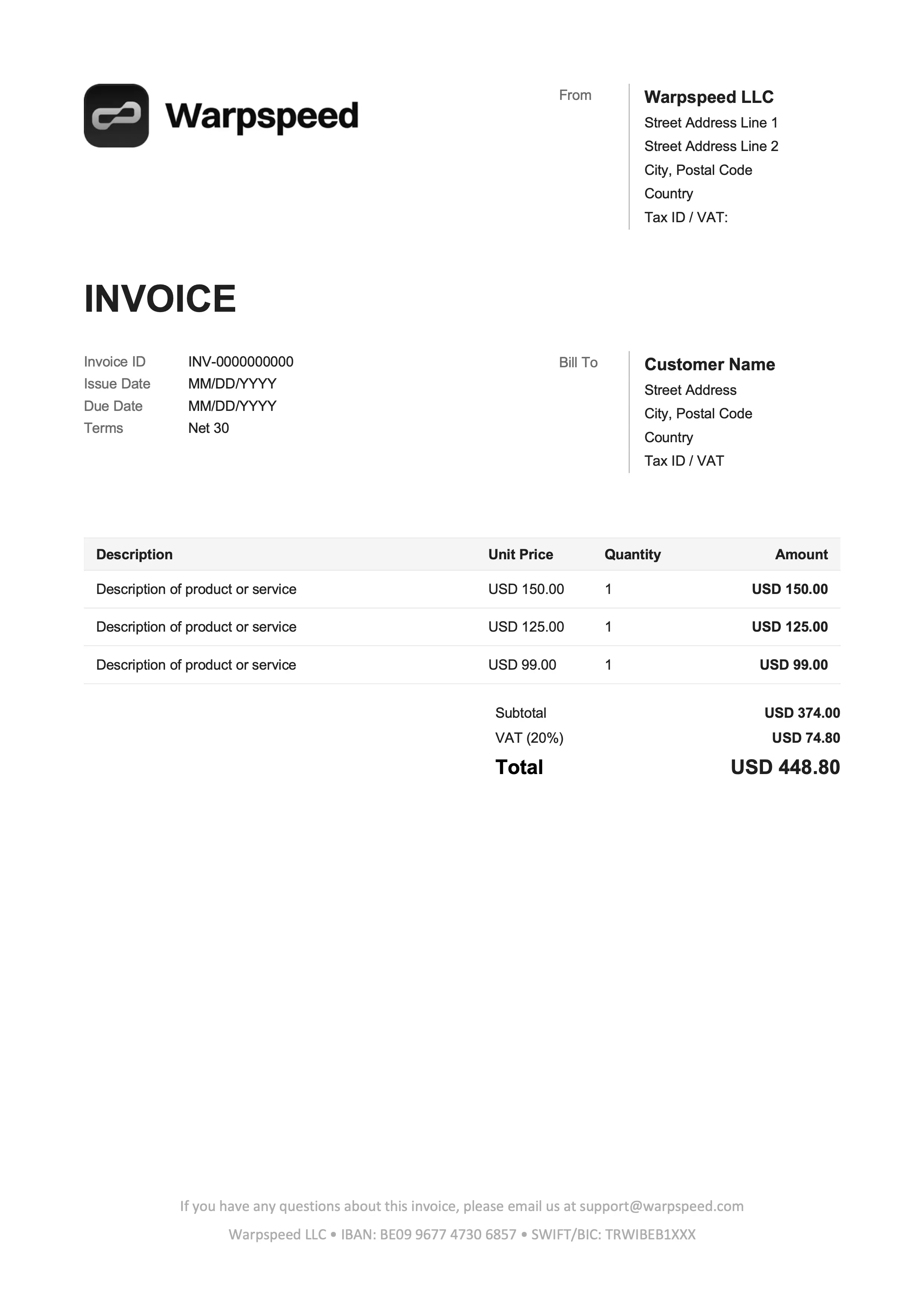
Best for freelancers & online services
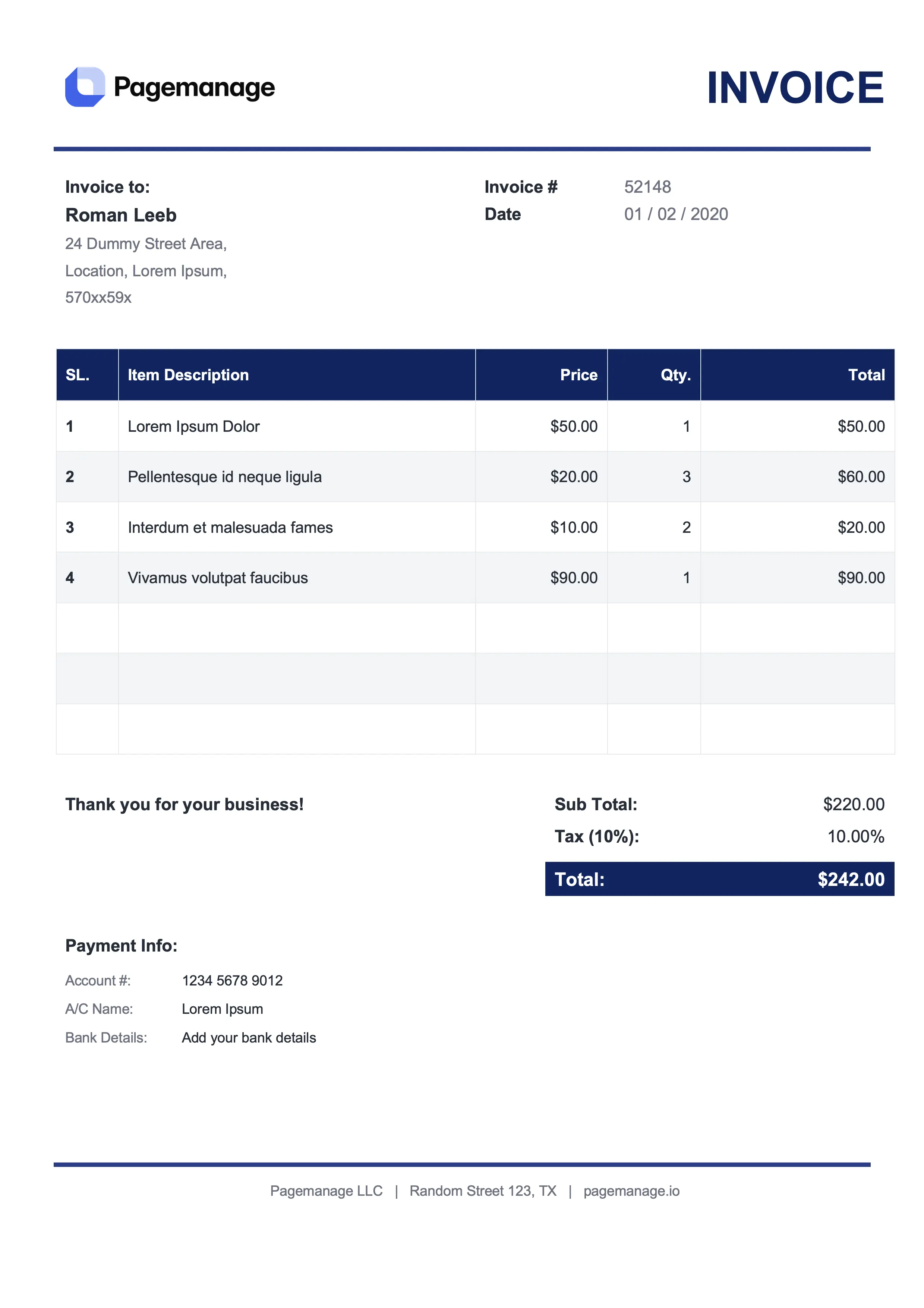
Best for lawyers & advisors
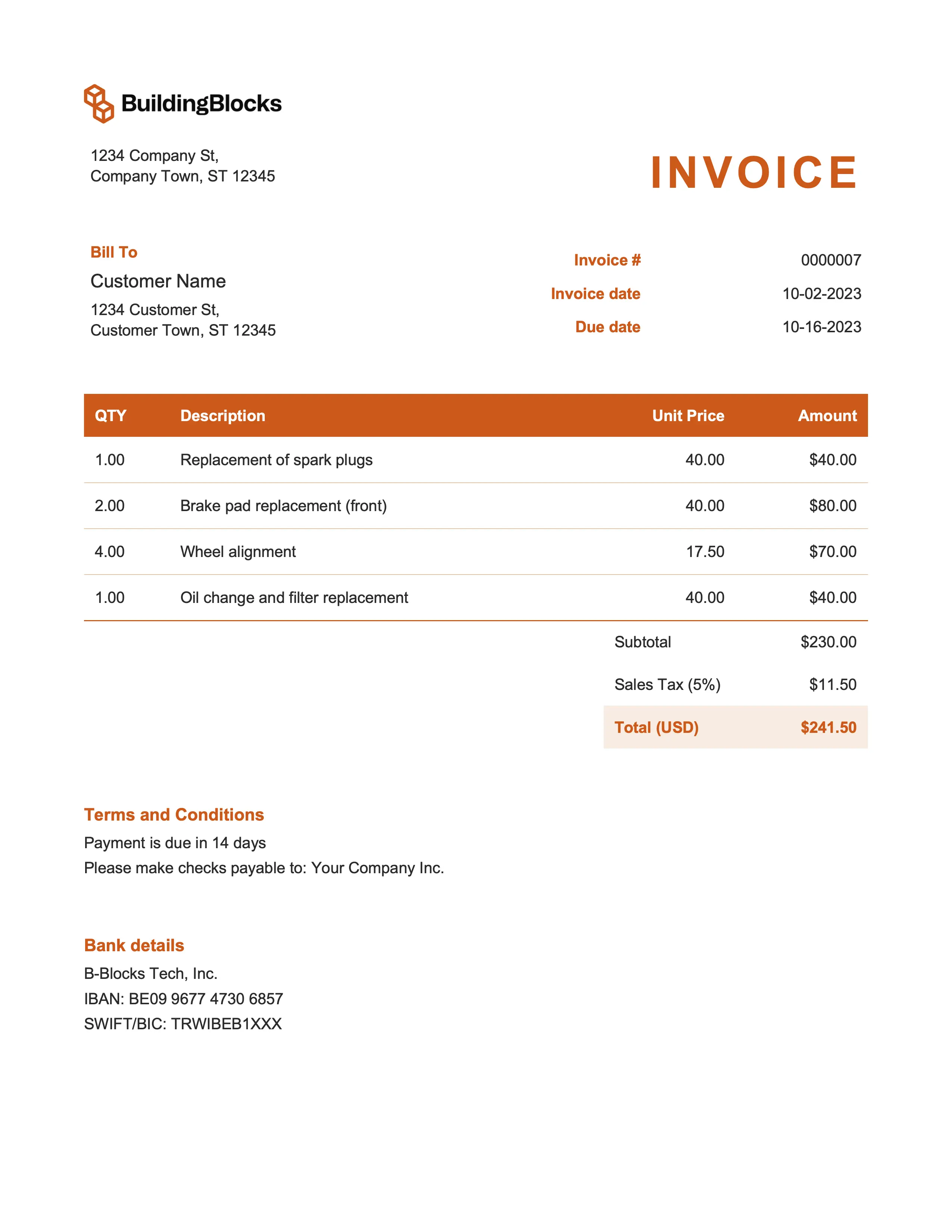
Best for marketing & event management
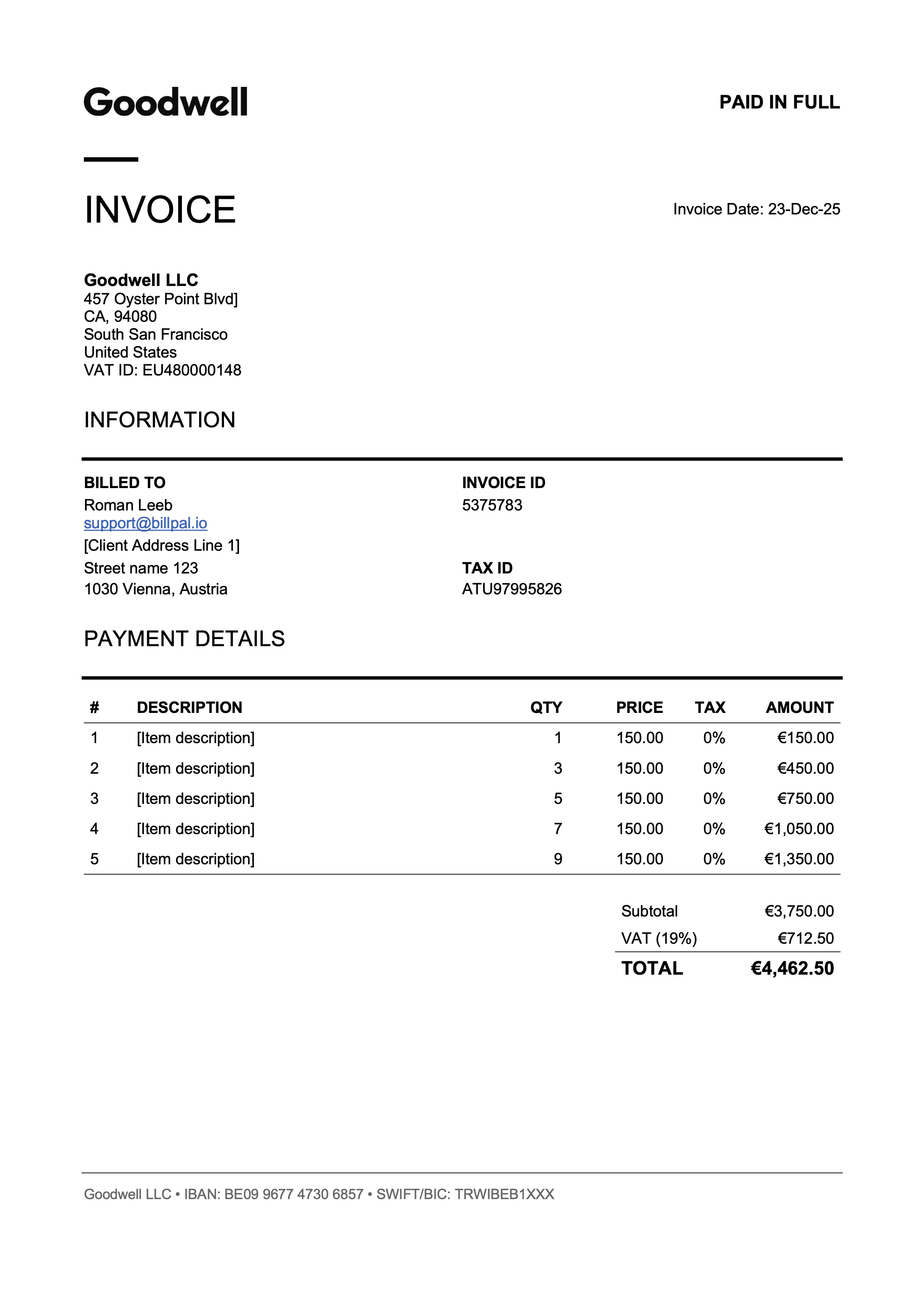
Best for designers & art directors
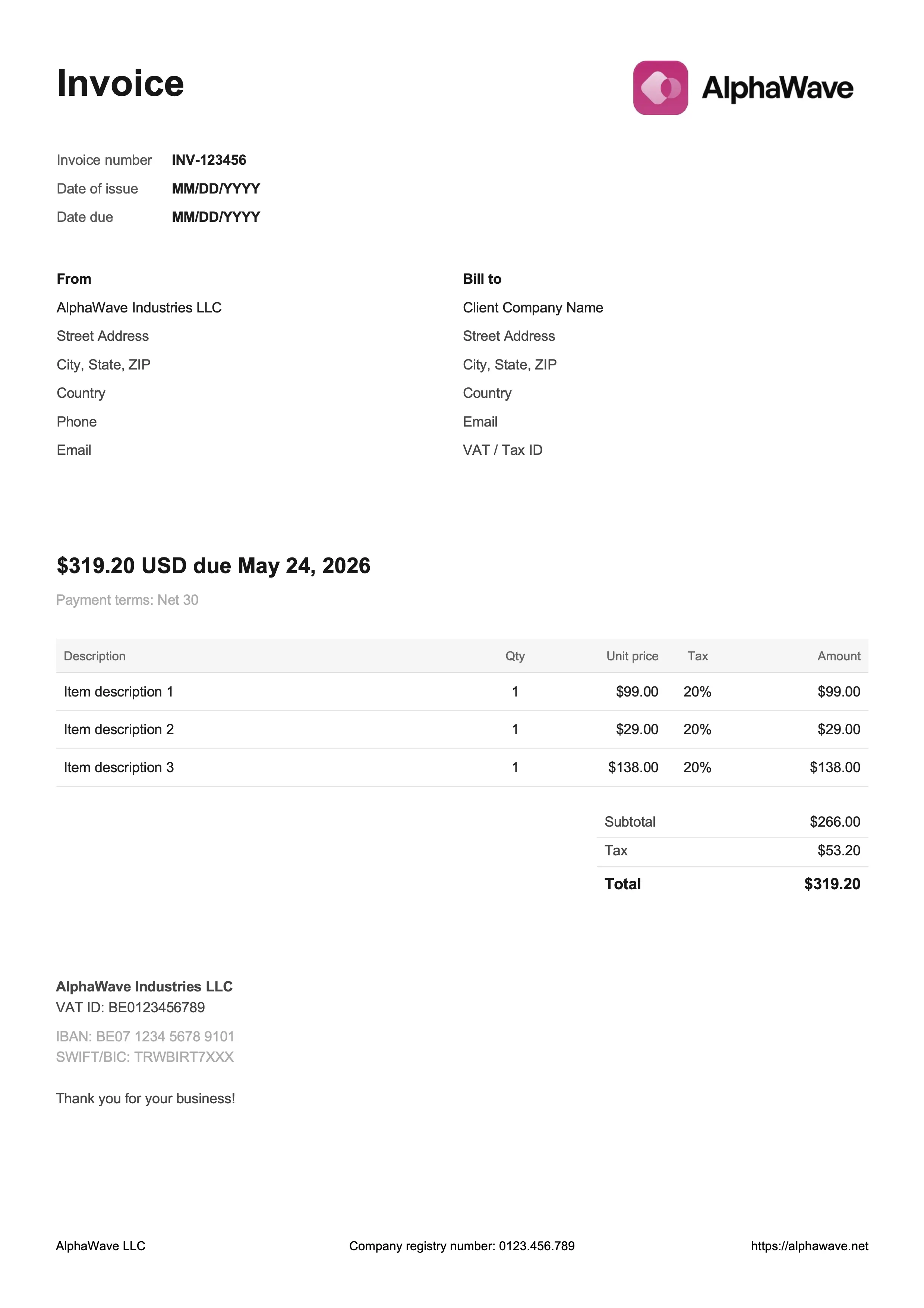
Best for digital products & creative work
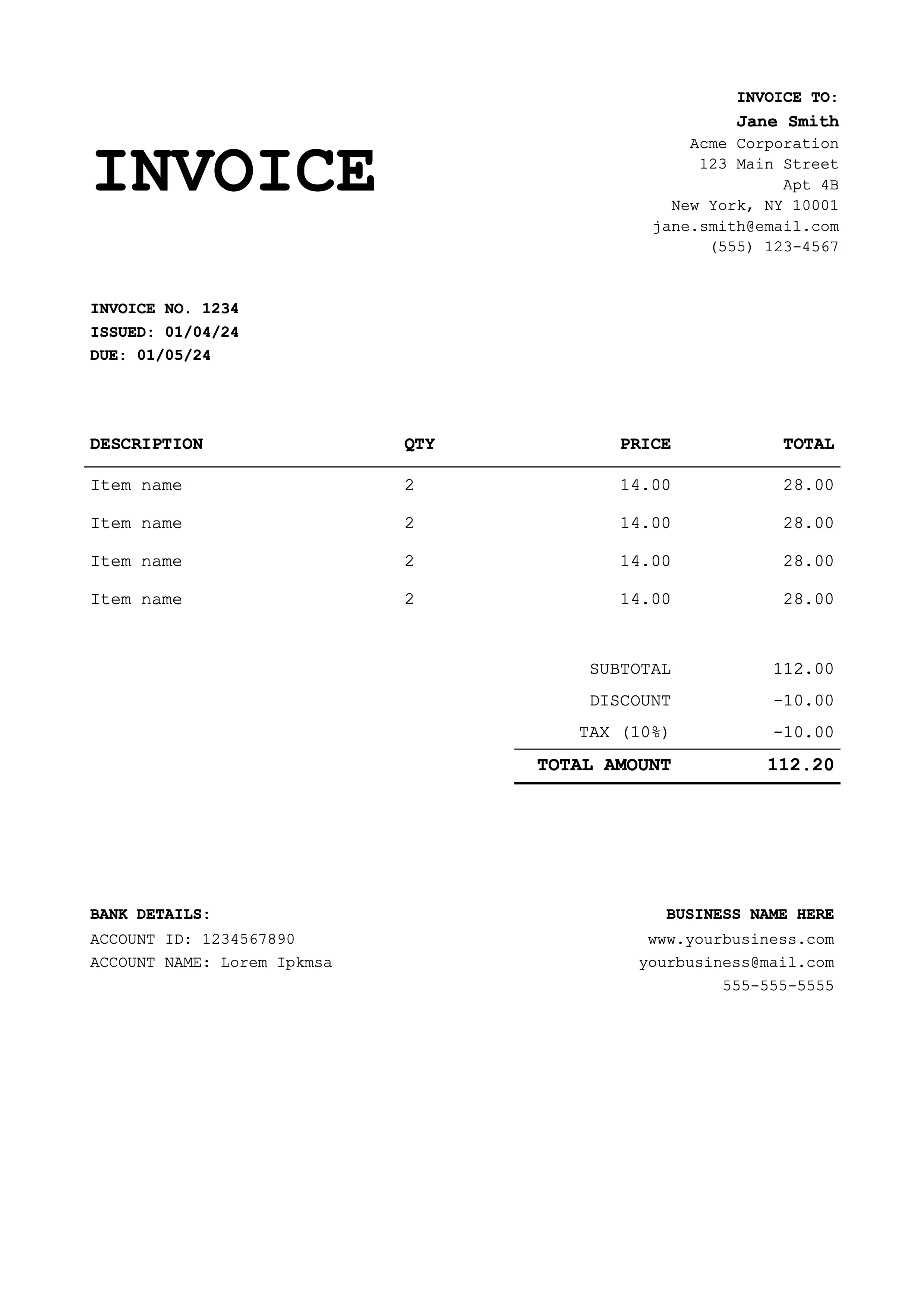
Best for coaches & educators
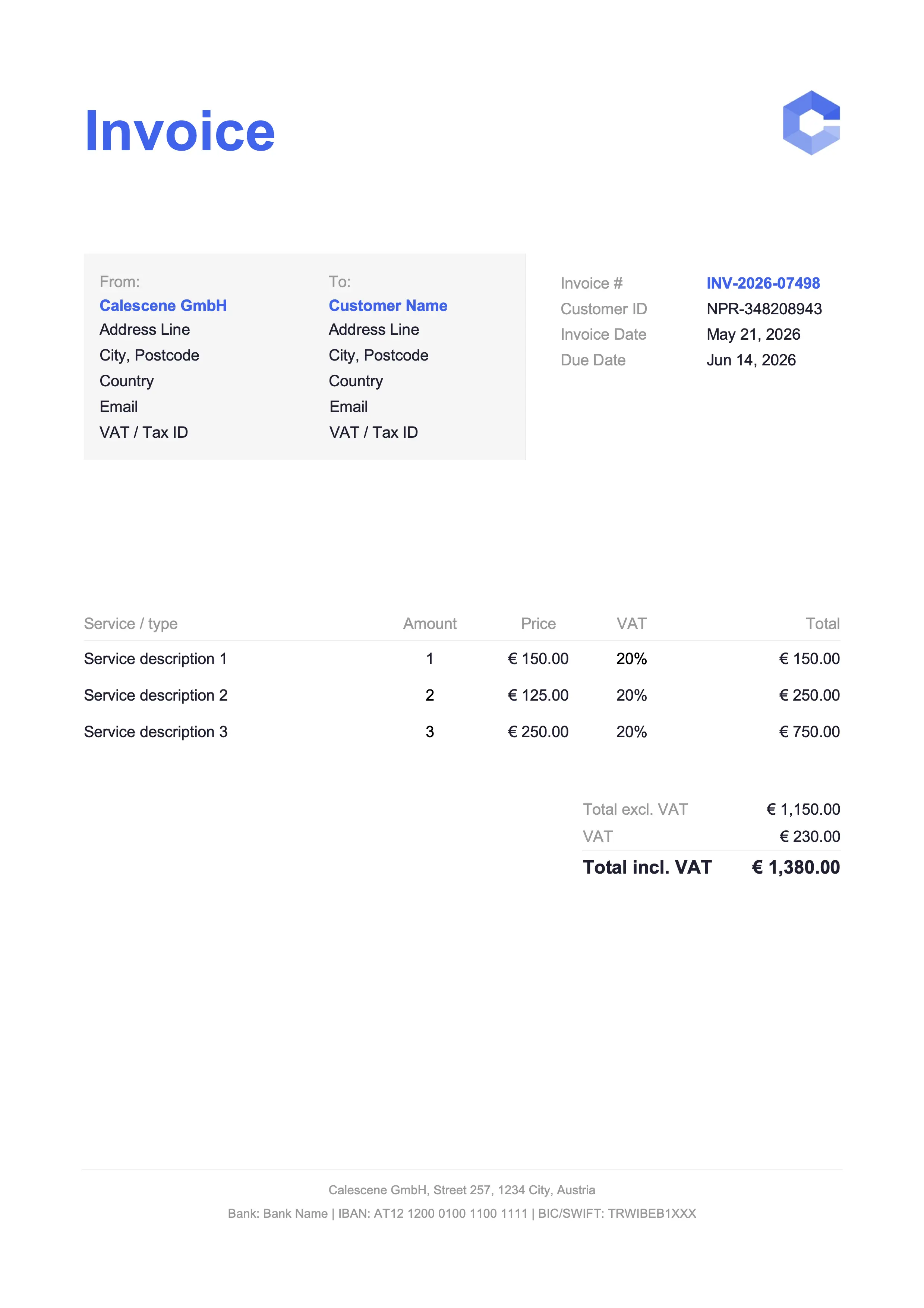
Best for tradespeople & service jobs
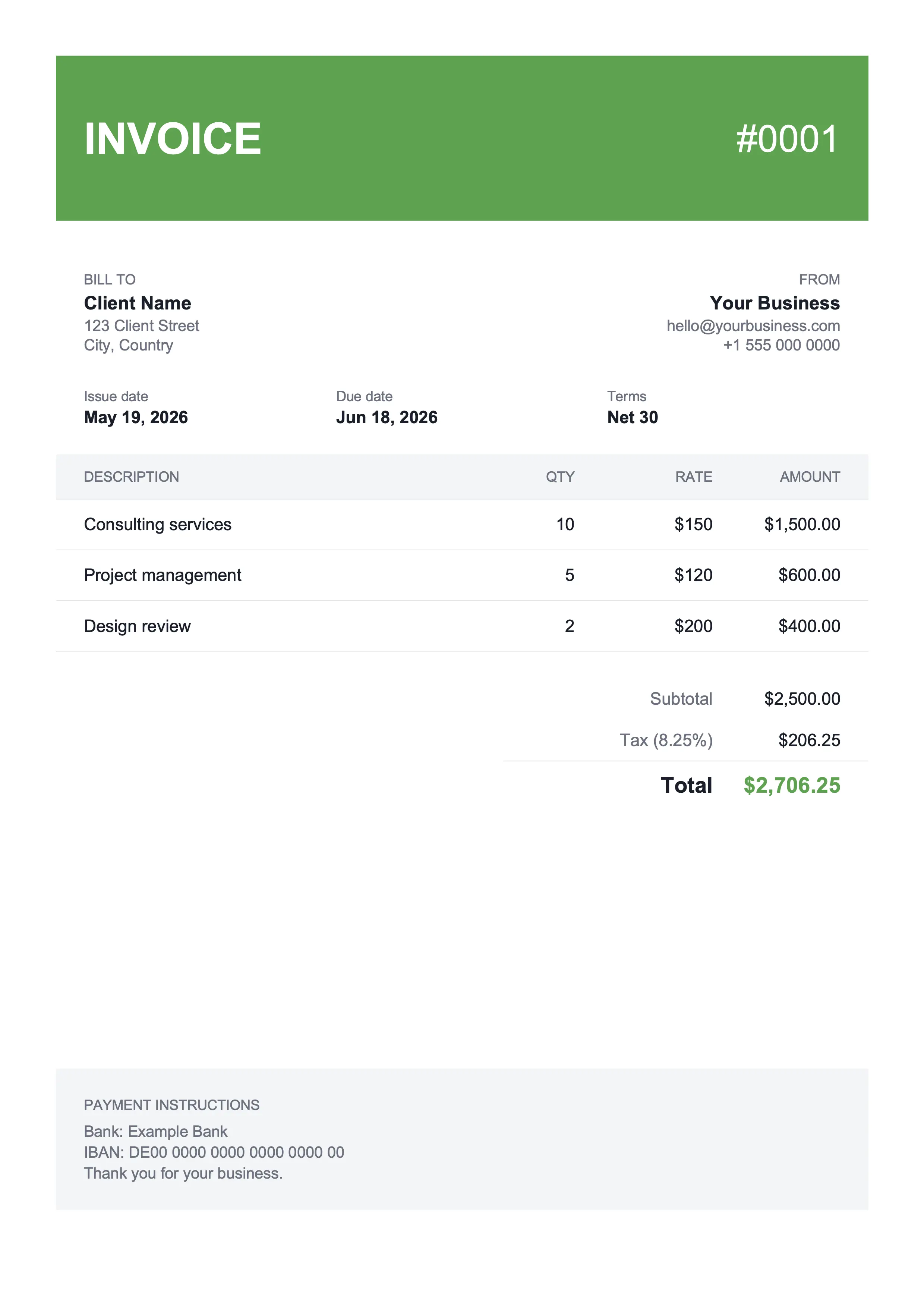
Best for shop owners & landscaping
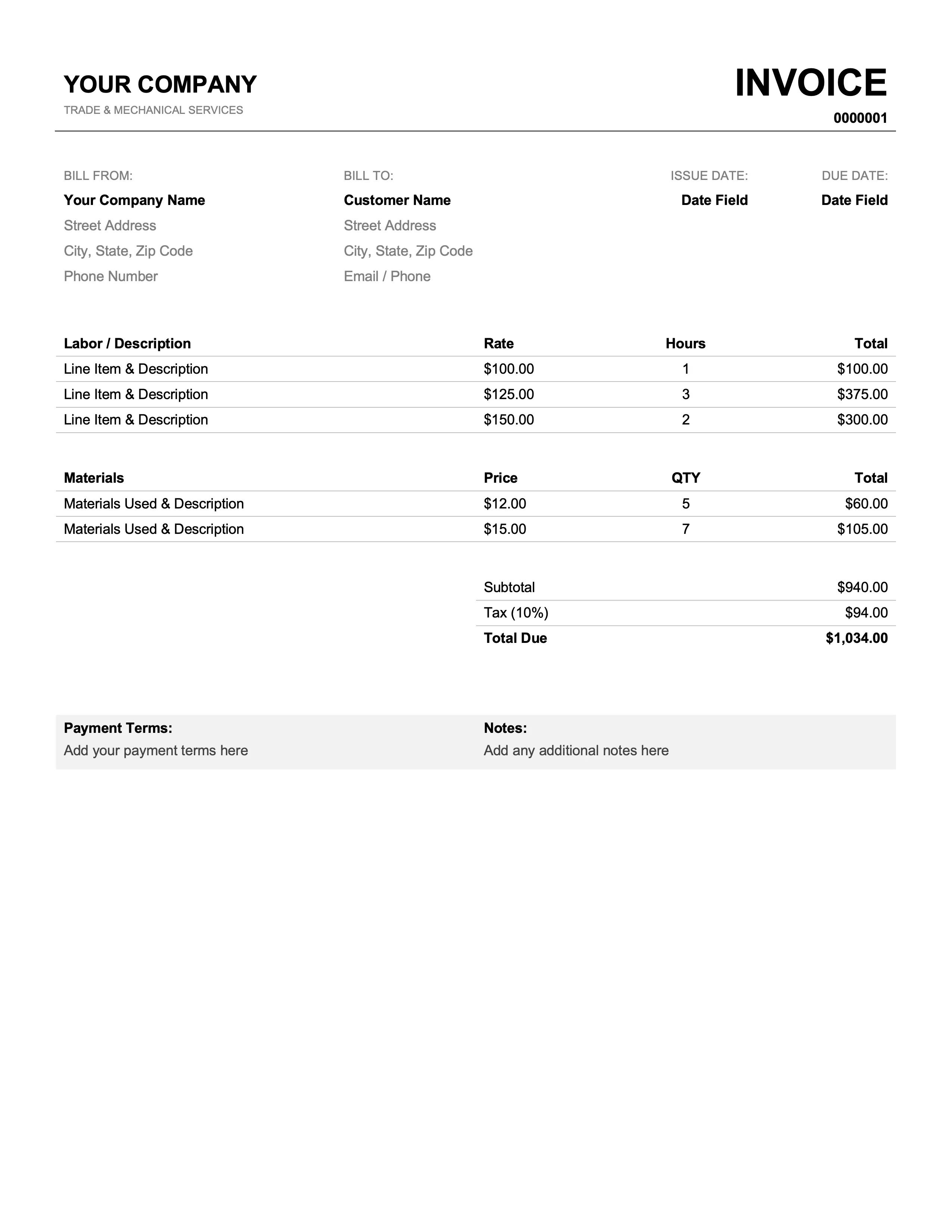
Best for mechanics & plumbers
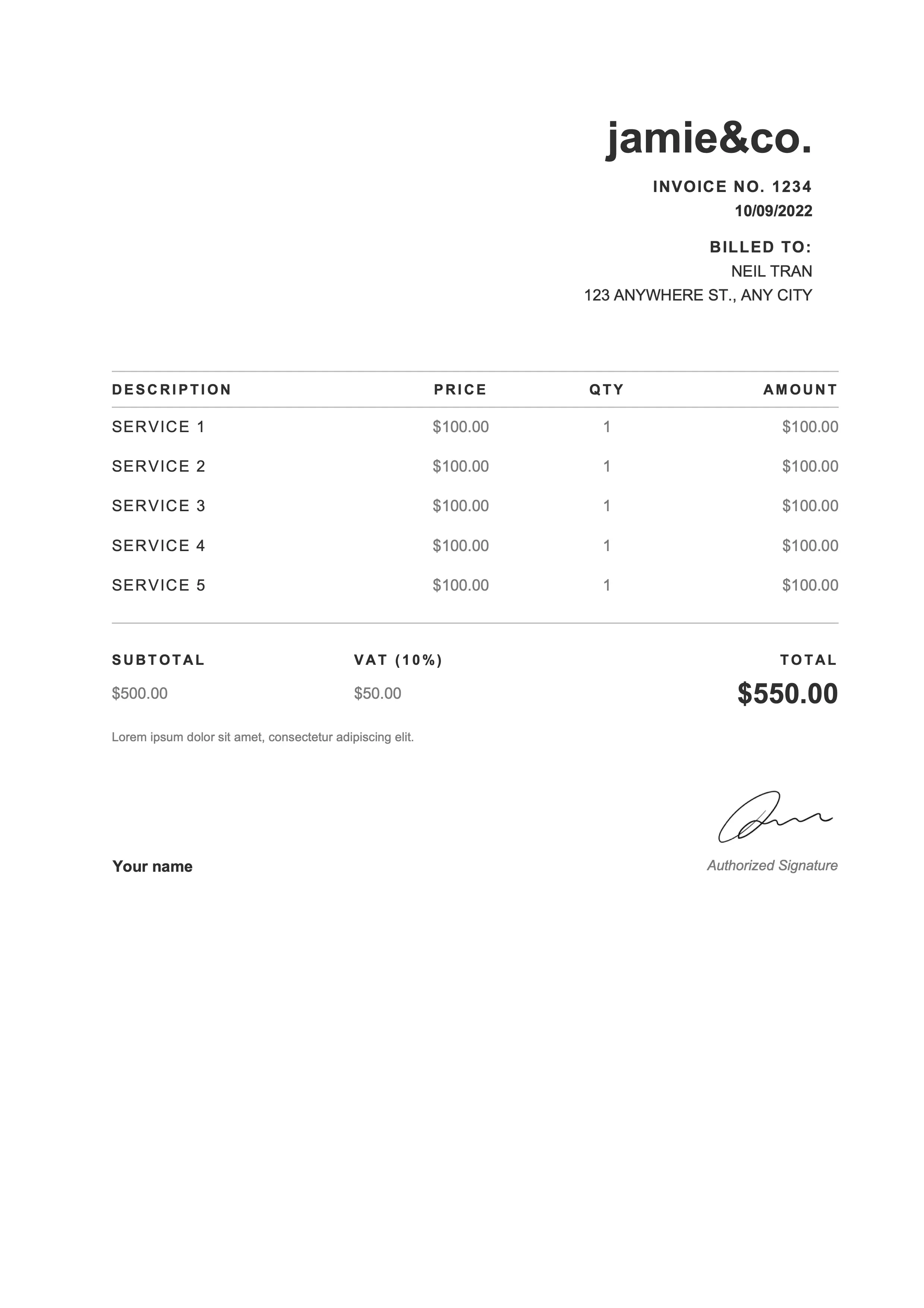
Best for photographers & web designers
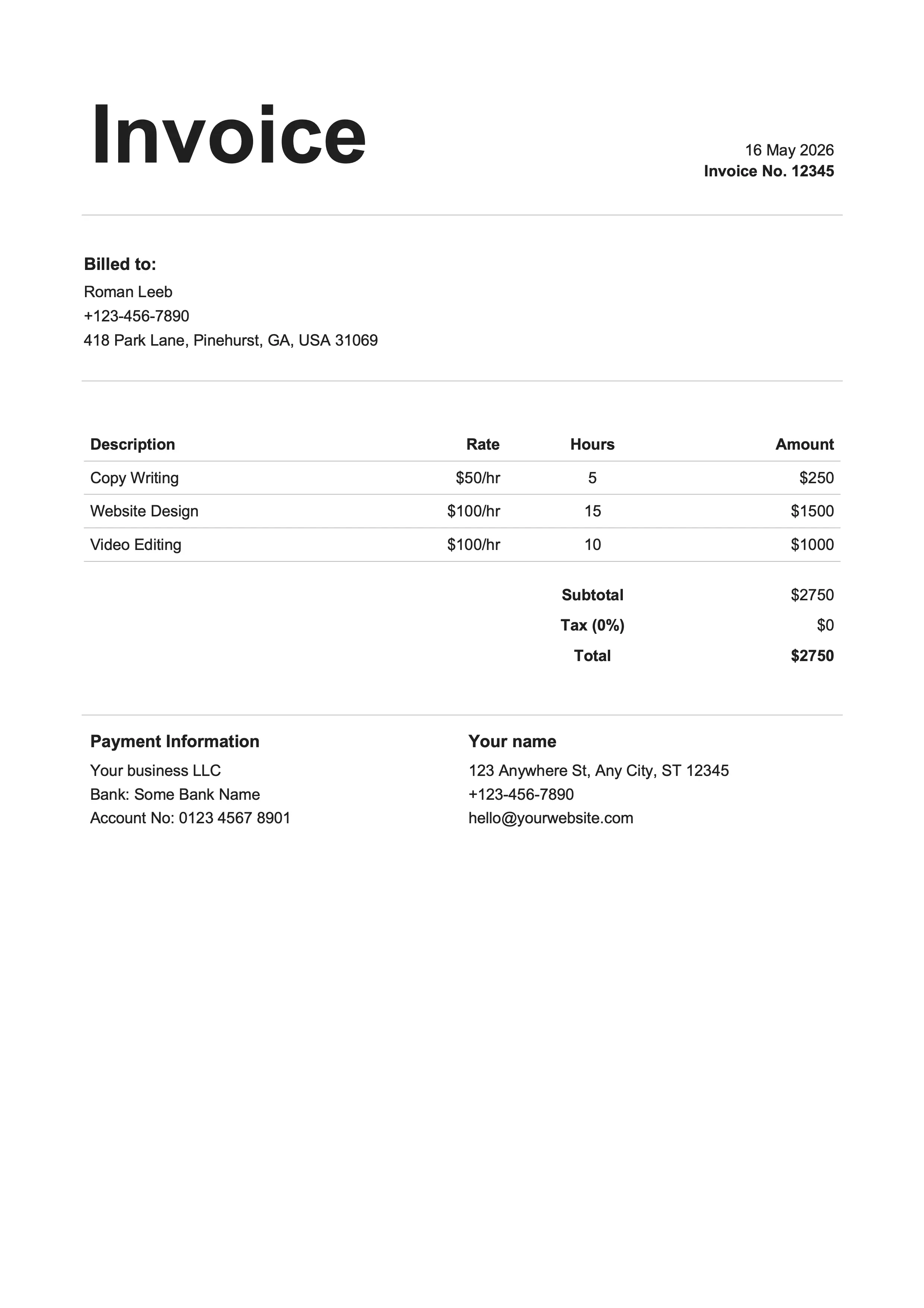
Best for writers & influencers
Same designs, different format. Pick whichever fits your workflow.
Excel is the right pick when you want the math to handle itself and you'd rather not leave the desktop apps you already pay for. Every Excel invoice template above is pre-wired with formulas: change a quantity or rate, every total down the page follows. Real editable spreadsheets, not flat images pretending to be a form, not locked PDFs you have to retype.
Line totals, subtotal, tax, and grand total update as you type. Insert a row in the line-items table and the formulas extend automatically.
Gridlines hidden, borders only where a real invoice would have them. Looks like a finished document, not a raw spreadsheet.
Opens in Excel for Windows or Mac, Apple Numbers, LibreOffice (free), and Google Sheets if you upload to Drive.
Save As to spin off the next invoice in two clicks. Or duplicate the sheet inside one workbook to keep every invoice in one file.
Set the print area, File → Save As → PDF, and the spreadsheet exports as a clean single-page invoice ready to attach.
Business name, address, email, and phone for both parties.
Sequential number plus dates (default Net 15 or Net 30 terms).
Description, quantity, unit price, and amount per item.
Auto-calculated in the Excel and Google Sheets versions; manual in Word and Docs.
Bank details, accepted payment methods, and late-fee policy.
PO number, project name, and any custom terms or thank-you note.
Click Download Excel on any template card above. The .xlsx file lands in your Downloads folder. Open it in Microsoft Excel, Apple Numbers, LibreOffice, or Google Sheets (upload the .xlsx to Drive first). All four read .xlsx natively, no conversion needed.
Click the header cells and replace the placeholder business name and address with your own. Use Insert → Pictures to drop your logo into the designated area at the top of the sheet. The logo placement is sized to fit a standard mark.
Enter a description, quantity, and unit price for each line. The Amount column multiplies them automatically. Insert a row if you need more lines (right-click the row number, then Insert) and the formulas stretch into the new row automatically.
Update the Tax rate cell with your rate as a decimal (0.0825 for 8.25 percent) and any discount. The grand total recalculates instantly. The labels next to each cell tell you exactly which value drives which formula.
Set the print area first: select the invoice cells, then Page Layout → Print Area → Set Print Area. Then File → Save As → PDF on Windows, or File → Export → Create PDF on Mac. Email the PDF to your client. Save the .xlsx in case you need to edit later.
Excel and Google Sheets both calculate invoice totals automatically. The real difference is where the file lives and how you collaborate.
| Feature | Excel | Sheets |
|---|---|---|
| Where it lives | Local .xlsx file on your device | In your Google Drive |
| Works offline | Yes, natively | With Drive offline mode enabled |
| Real-time collaboration | Limited (requires OneDrive) | Built-in for free |
| Cost | Microsoft Office required | Free with any Google account |
| Formula library | Full Excel functions plus macros | Most Excel functions plus Apps Script |
| Best for | Established Excel workflows or complex models | Cloud-first teams and remote collaborators |
Excel's built-in template gallery has a handful of options, but they're sparse on features and dated on design. The free Excel invoice templates above are more polished, ship with every standard field already laid out, and use pre-wired formulas so subtotals, tax, and totals recalculate as you fill in line items. Free download as .xlsx, no signup required.
Download an Excel invoice template above, open the .xlsx file, and replace the placeholder business and client info. Fill in the line items (totals calculate automatically), set the tax rate, then save as PDF and email it to your client. Most users finish a first invoice inside ten minutes.
Click the cell where the logo goes, then Insert → Pictures → This Device. Drag the corner handles to size it. Every Excel invoice template leaves a dedicated header area for the logo, so it lands cleanly without reflowing the rest of the invoice.
Find the Tax rate cell and enter your rate as a decimal (0.0825 for 8.25 percent). The Tax amount cell uses a formula to multiply the subtotal by your rate, and the grand total updates automatically. Single cell, no manual math.
Set the print area first: select the invoice cells, then Page Layout → Print Area → Set Print Area. Then File → Save As → PDF on Windows, or File → Export → Create PDF on Mac. Setting the print area avoids the PDF showing extra empty cells beyond the actual invoice.
Yes. Upload the .xlsx file to Google Drive and open it with Google Sheets, or use the matching Google Sheets version of the same template directly (one-click Make a copy). The design, layout, and formulas behave the same way in either tool.
Right-click the row number above the subtotal and choose Insert. Excel inserts a new row and the formulas in the surrounding rows stretch to include it. If they don't, click the cell with the working formula and drag the fill handle down through the new row to copy the math.
Excel handles the math at any volume. What it can't do is tell you which invoices got paid, or sort your receipts for tax season. That's bookkeeping, not invoicing – a separate problem with its own tool. Billpal solves it: connect your email and your bank, and Billpal pulls every invoice and receipt out of your inbox and matches each one to the right bank transaction. Snap paper receipts with your phone and send them to the WhatsApp bot to add them in. At year-end your accountant gets a tidy CSV plus a ZIP of every original PDF in one click.
Billpal collects invoices and receipts from where they already arrive and turns them into structured, categorized data for your accountant.