


Invoice templates or your own file
You get one invoice file, and you send it yourself. Pick one of the 12 designs from the Billpal template gallery, attach your own Word or Excel file, or let the skill lay out a PDF itself, without a template.
Your own file keeps its layout and columns. In a spreadsheet, amounts and totals stay formulas, so the numbers still add up when you change a line later.
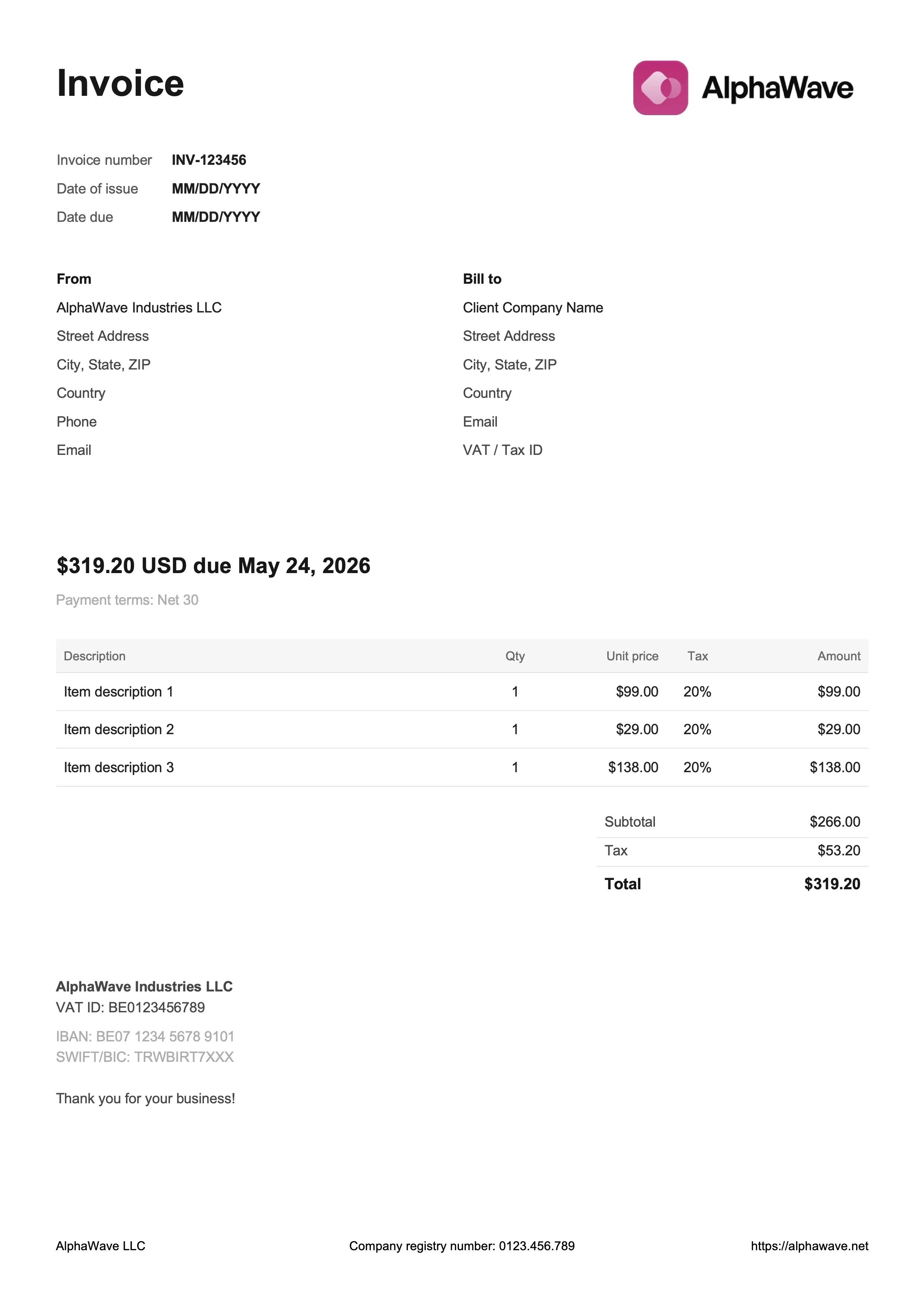
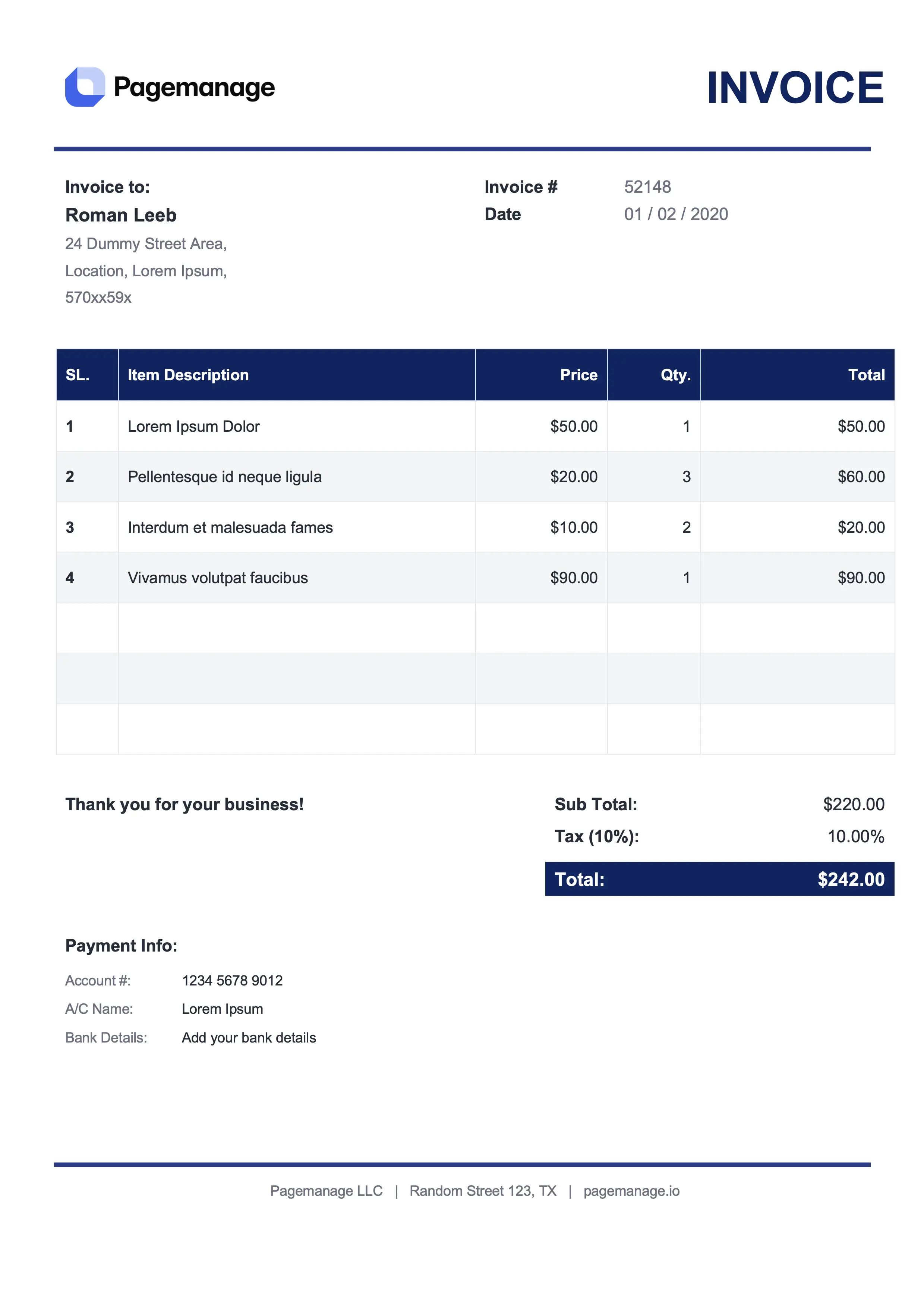
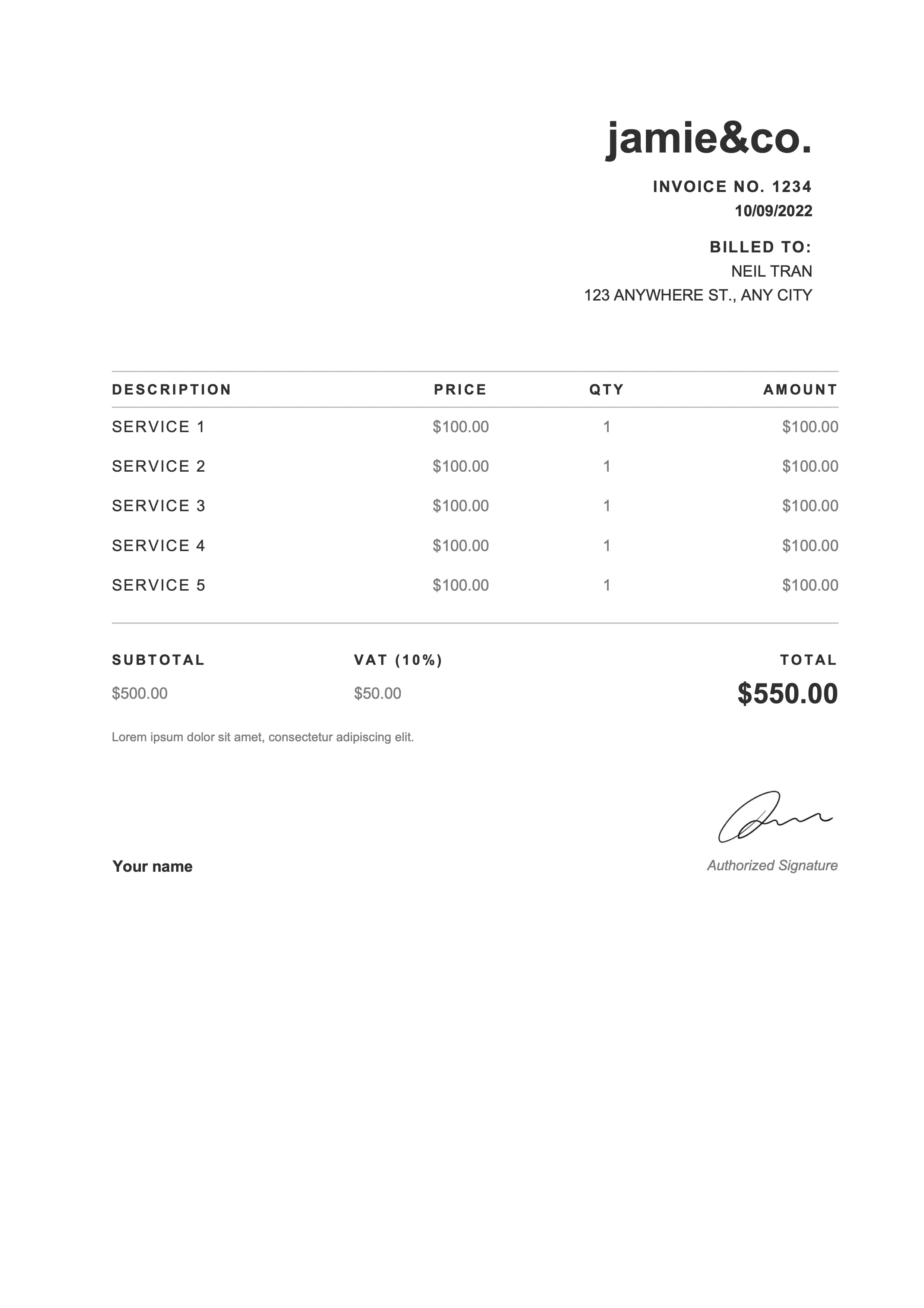
Required fields on an EU invoice
Before it writes the file, the skill collects what the EU VAT Directive and your country's VAT law ask for, such as § 11 UStG in Austria or § 14 UStG in Germany:
- A sequential invoice number, the issue date, and the service date or period
- Name and address of seller and buyer
- Your VAT ID, or your national tax number if you have none
- The buyer's VAT ID for reverse charge and intra-EU supplies, and where national law asks for it
- Quantity and description of each item
- Net amount, tax rate, and tax per rate, or the exemption wording, then the gross total
If something is missing, the skill asks. It never makes up a VAT ID, an IBAN, a tax rate, or an invoice number.
Outside the EU, the skill writes what you say your country requires and makes no legal claim about it.
Standard VAT, reverse charge, or small-business exemption
The skill asks which VAT rule applies. Standard VAT, the small-business exemption (no VAT on your invoices, because your turnover is below the threshold), reverse charge (your EU business customer pays the VAT), or an intra-EU supply of goods. It also asks for the language (English or German), the number and date format, and the currency.
If you agree, it remembers your company details for the next invoice. It asks separately before it saves your bank details. If your assistant's memory is off, you get the details as a short text to paste next time.
ZUGFeRD and Factur-X e-invoices
The invoice is complete without it. When your customer is a business in Germany, or when you ask for ZUGFeRD, Factur-X, or an e-invoice, the skill offers one: a PDF that looks like your invoice, with the invoice data as EN 16931 XML inside. Your customer reads the PDF, their accounting software reads the XML.
A Python script writes the XML, not the model. Billpal's free e-invoice check then tests it against the EN 16931 rules. If a rule fails, you see its ID and what went wrong, and the skill fixes the input and builds the file again. If the check can't run, the skill tells you and doesn't call the file checked.
It works for sellers in the EU with standard VAT, the small-business exemption, reverse charge, or an intra-EU supply. It doesn't write XRechnung, e-invoice credit notes, or invoices with discounts.
A check for leftover template data
Billpal templates come filled with sample data. Before delivery, the skill compares your invoice with a list of every sample name, VAT ID, IBAN, and invoice number in the templates. If one is still there, it replaces it and checks again.
Customer and invoice data from Billpal
Connected to Billpal, the skill fills the customer's address from your contacts, and your company name, VAT ID, and website from your documents. It lists your recent outgoing invoices, so you pick the next number.
You confirm each value first. Your address and logo still come from you.